


Injectable clinics must keep a record of fridge temperatures, typically twice daily for vaccine storage. Documenti stores readings per clinic with a 90-day trend chart and a full history you can export for audits.
Open fridge temperatures
- Sign in at app.documenti.co.uk.
- Open Fridge Temperatures from the main menu.
- Use the clinic switcher if you record readings for more than one site.
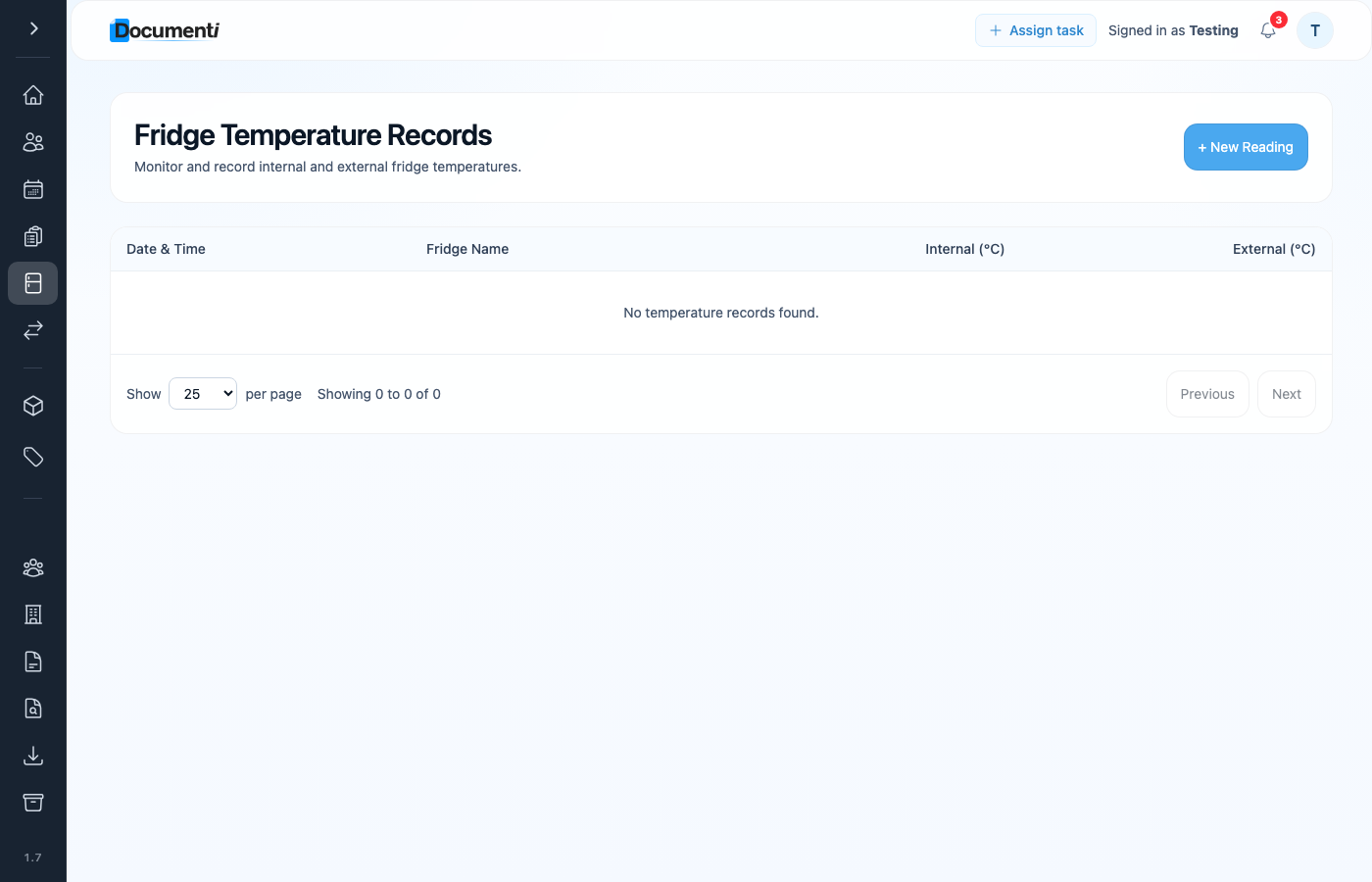
Record a reading
- Click + New Reading.
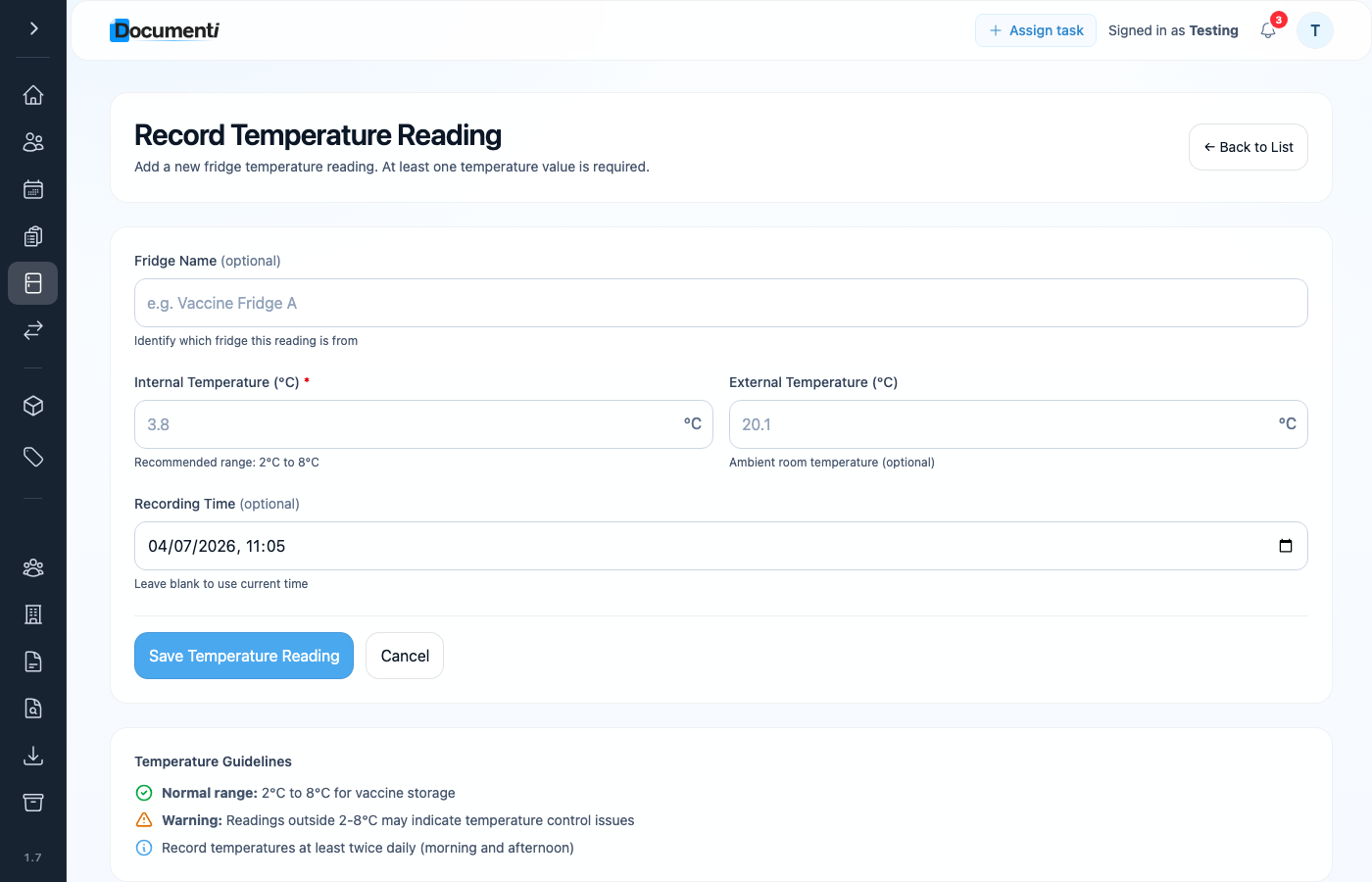
- Optionally name the fridge (for example Vaccine Fridge A) if you have more than one.
- Enter the internal temperature in °C, required. The recommended range is 2°C to 8°C.
- Optionally add the external (room) temperature.
- Leave recording time blank to use the current time, or set it manually if you are entering a reading late.
- Click Save Temperature Reading.
Note
Readings outside 2–8°C may indicate a temperature control issue, follow your clinic’s cold-chain protocol and document any action taken.
Review and export
The list shows every reading with date, fridge name, and internal and external values. Scroll up on the same page for the 90-day trend chart. For a spreadsheet export, open Exports in the settings menu and download the Fridge Temperatures export.
