
Ask most UK clinic owners where their week disappears and you'll hear the same answer: not in the treatment room, but at the laptop afterwards. Chasing a missed payment. Re-typing a patient's details into a third app. Phoning round to fill a gap that opened up this morning. Texting someone to remind them they're overdue for a top-up.
None of that is clinical work. It's admin, and the right software should be quietly doing most of it for you, in the background, without you lifting a finger.
If you're weighing up clinic management software at the moment, this is the lens that actually matters. Not the length of the feature list, but how many of these everyday jobs the system takes off your plate. Here are five to test any platform against.
1. Keep every patient detail in one place
The single biggest time-sink in a small clinic is information living in too many places: bookings in one app, notes in another, payment details in a spreadsheet, membership status in your head. Every time those don't talk to each other, you become the integration, copying, cross-checking, and hoping nothing's out of date.
Good software gives you one patient record that holds contact details, treatment history, invoices and membership status together. When the diary, the record and the payment side are joined up, you stop re-entering the same information and you stop making the small mistakes that creep in when you do.
This isn't full medical-records software, and you shouldn't expect it to be. But for the day-to-day running of the clinic, one connected hub beats a patchwork of five tools every time.
2. Reduce no-shows before they happen
No-shows are expensive, and they're often a tech problem dressed up as a patient problem. When reminders are manual (or when your booking tool and your patient list aren't connected) gaps slip through and people forget.
The numbers back this up: clinics running on disconnected tech see 45% more no-shows than those on joined-up systems (ProspyrMed). That's not a small leak. On a full diary, it's the difference between a profitable week and a frustrating one.
Your software should handle reminders automatically, keep the diary in sync with the patient record, and make it easy for patients to confirm or move an appointment themselves. The goal is simple: fewer empty chairs, and none of it relying on you remembering to send a text.
3. Fill last-minute gaps without the phone-round
When a cancellation lands at 9am, the old way is to scroll your list and start phoning. By the time you've reached someone, you've lost half an hour and the slot might still go unfilled.
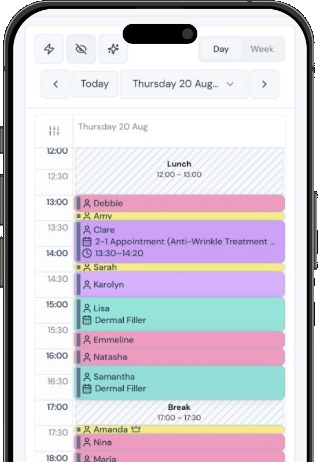
A smarter system lets patients tell you the days and times that suit them and opt in to be notified if something earlier opens up. When a matching slot frees, the patient is alerted automatically and can take it (or move their existing booking into it) with no involvement from you. The waitlist chase just… disappears.
It's worth asking any vendor exactly how their waitlist works, because "we have a waitlist" can mean anything from a genuine auto-fill to a list you still have to work through by hand. The version that saves you time is the one that does the matching for you.
4. Collect recurring payments, and recover the ones that fail
If your clinic offers packages or memberships, payment admin can quietly eat your evenings. Cards expire. Payments fail. Renewals need chasing. Do that manually across even thirty members and you've given yourself a part-time job.
Software should take recurring card payments on autopilot, flag a failed payment the moment it happens, and give you one-click recovery so a lapsed card doesn't quietly become a lost member. Most membership cancellations aren't angry decisions. They're a card that expired and never got fixed. Catching those automatically is one of the highest-value things software can do for a clinic, because keeping an existing patient is far cheaper than winning a new one.
This is also where memberships earn their keep. Retention is the whole game: roughly 65% of aesthetic patients are repeat clients, which means about a third never come back (American Med Spa Association). A system that protects your recurring revenue is protecting the most valuable patients you have.
5. Tell you how the clinic is actually doing
The last job is the one owners skip most often, usually because pulling the numbers by hand is such a chore. How much recurring revenue is coming in this month? How many active members? What's your churn? Which plan is selling?
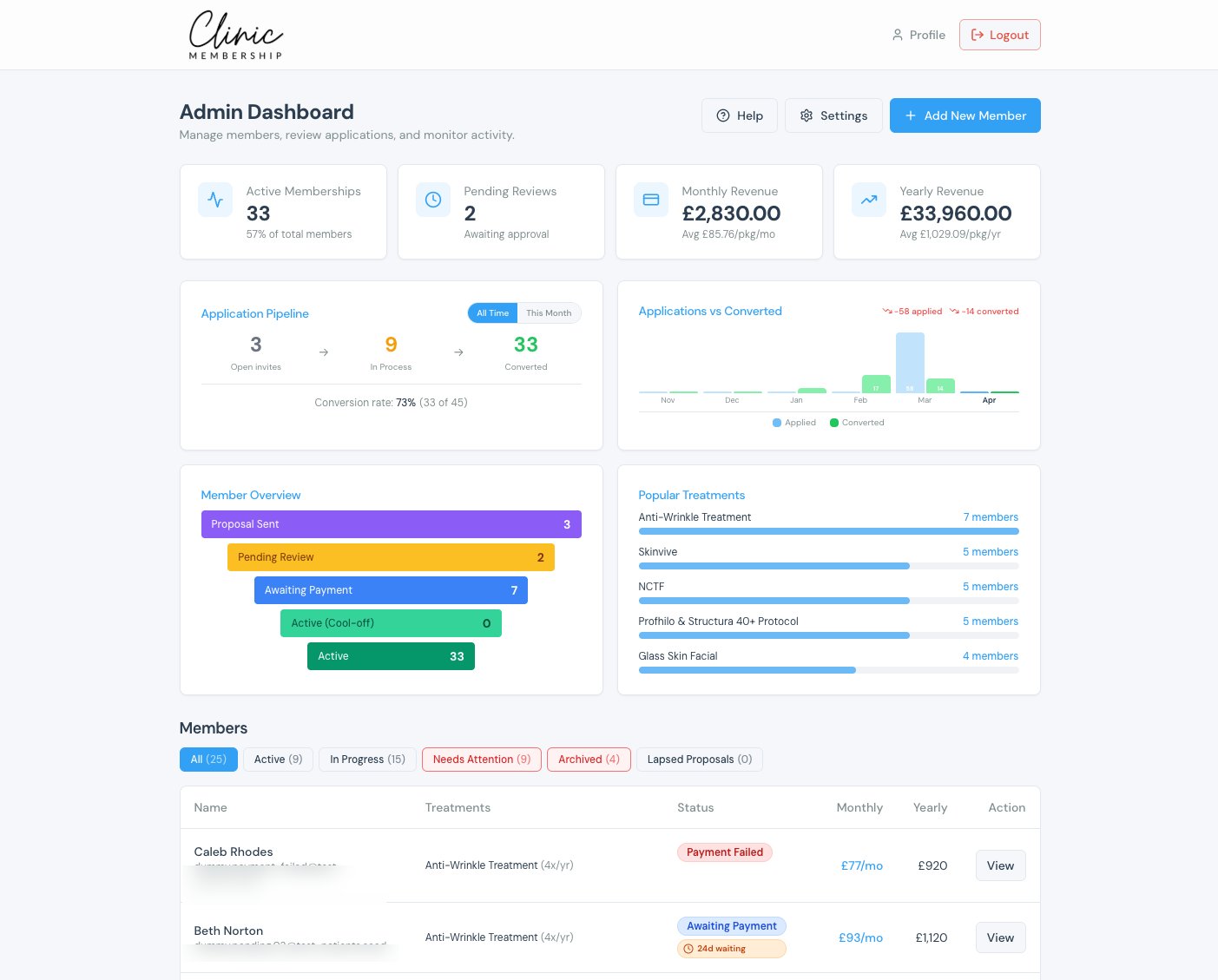
You shouldn't have to build a spreadsheet to answer those. Good software shows you recurring revenue, active members, churn and conversion in a live dashboard, and lets you export the detail when you need it. When the data's in front of you, you make better calls (which plan to promote, where patients drop off, when to nudge a quiet month) instead of running the clinic on gut feel.
The real test: how much does it take off your plate?
When you line software up against this checklist, you're really asking one question: how much of my week does this give back to me? A connected patient hub, automatic reminders, a waitlist that fills itself, recurring payments that recover themselves, and reporting you don't have to build. That's the difference between software you maintain and software that works for you.
Clinic Membership is built around exactly that idea: patients, calendar, payments, reporting and memberships in one place, with the recurring-revenue side as the standout. The point isn't more features to learn. It's less admin, so you spend more time with patients and less time at the laptop.
If you're rebuilding your stack this year, start with the five jobs above and see how many your current tools actually handle. You can compare what good looks like or see the plans when you're ready.