


The daily list in Documenti is built from your Clinic Membership calendar. When reception books, reschedules, cancels, or marks a no-show, Documenti updates so the clinician’s list matches the diary.
What appears on the list
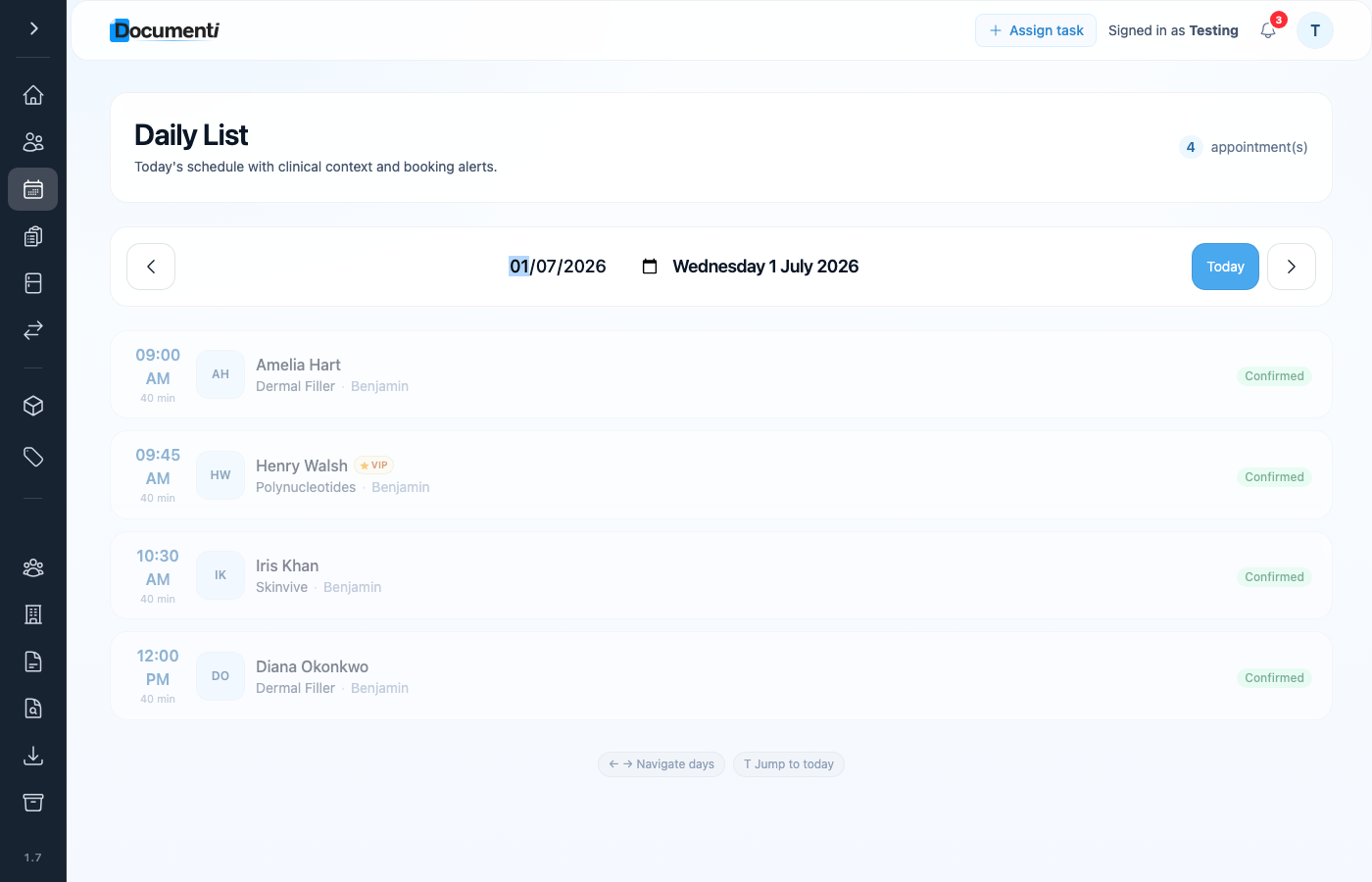
- Patient name and the bookable service name from Clinic Membership.
- Appointment time, duration, and assigned clinician.
- Status, confirmed visits, cancellations, and no-shows stay in sync.
- 2-in-1 and bundled treatments show as a combined label on the list.
Typical flow
- Book an appointment on the Clinic Membership calendar (or the patient books online).
- Clinic Membership sends the appointment to Documenti.
- Documenti refreshes the daily list, usually within about a minute.
- The clinician opens Documenti and sees the patient on today’s list.
Tip
If a patient is missing, check they exist on the patient card in Clinic Membership and that sync has had a minute to run. See How patient matching works if the name looks duplicated.
