


Procedures in Documenti are your clinical treatment types: anti-wrinkle, lip filler, skin booster, and so on. They are separate from bookable services in Clinic Membership (which control the diary and online booking). Once a procedure exists, you add treatment options: which consent forms apply, whether multiple forms are required, and whether clinicians must capture photos after treatment.
Tip
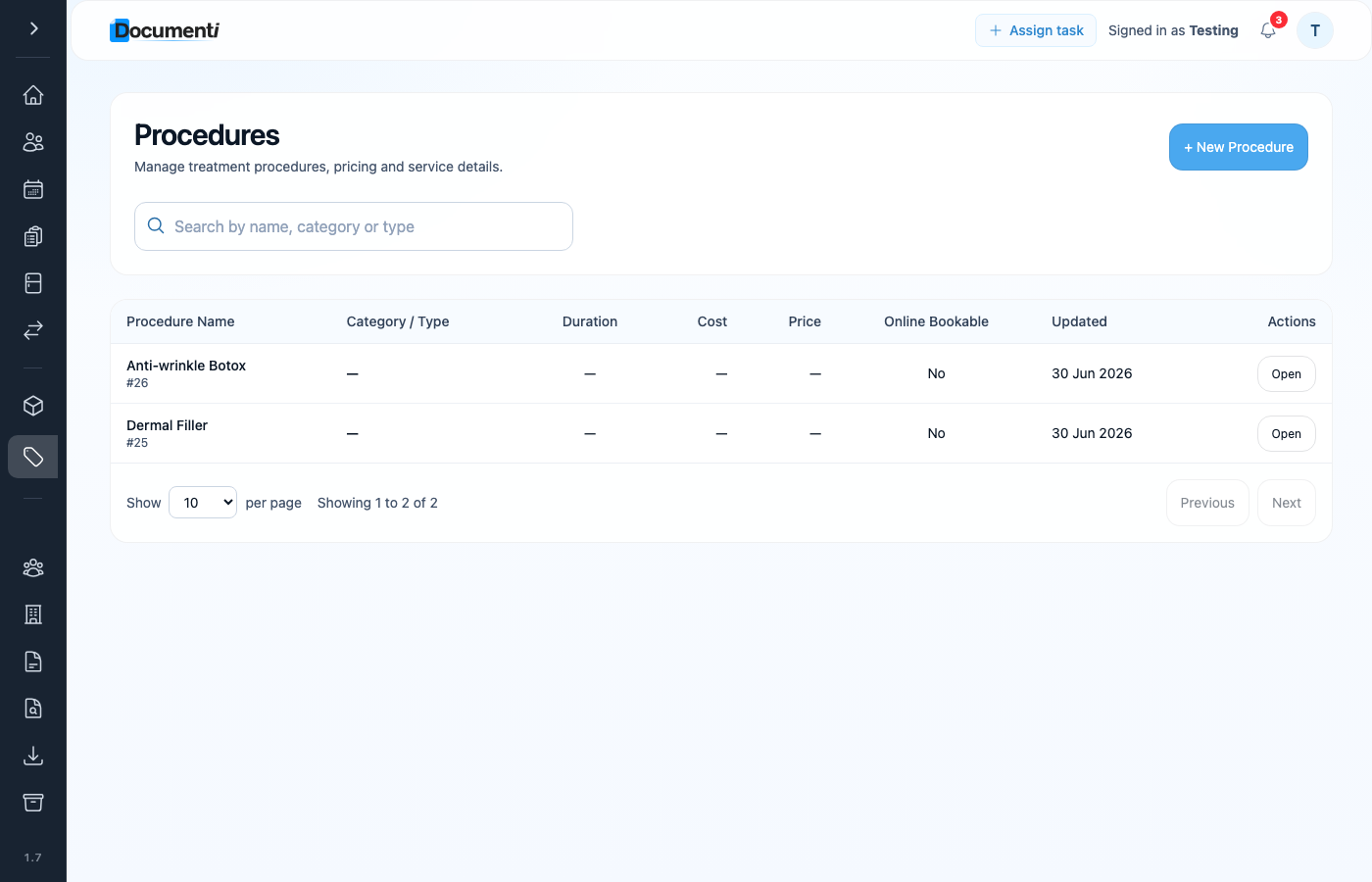
On the Procedures page, Categories and Types sit in tabs at the top of the page instead of submenus in the sidebar.
Create a procedure
- Sign in at app.documenti.co.uk and open Procedures.
- Add a new procedure: name it clearly so clinicians recognise it on the daily list.
- Save the procedure, then open it to configure treatment options.
Treatment options, consents and photos
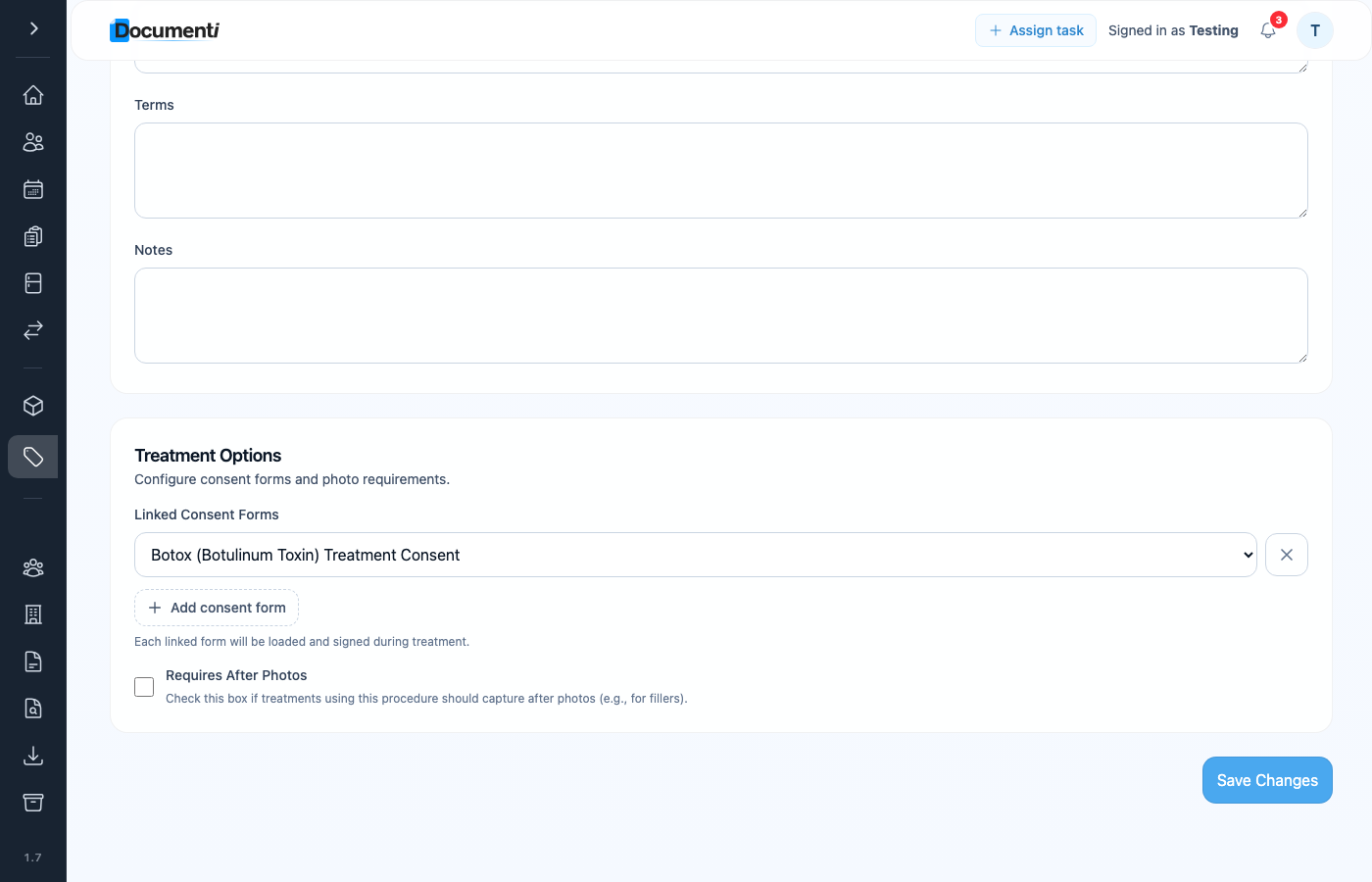
After you create a procedure, open its treatment options to link published consent forms and set clinical requirements.
- Consent forms: select one or more published forms. Dual treatments (for example toxin plus filler) often need multiple consents.
- After-treatment photos, require clinicians to capture a photo immediately after treatments such as dermal filler, in addition to any before photos.
- Send rules: choose when linked forms should email automatically (see Form automation in Set up forms and consents).
Note
Only published forms appear when linking a procedure. If a consent is missing, publish it under Forms first.
Procedures vs bookable services
- Clinic Membership bookable service: what patients book, price, duration, and calendar slot.
- Documenti procedure, clinical record, consents, treatment map, and products used.
- Service names from bookings appear on the Documenti daily list; procedures are what clinicians select when documenting treatment.
