


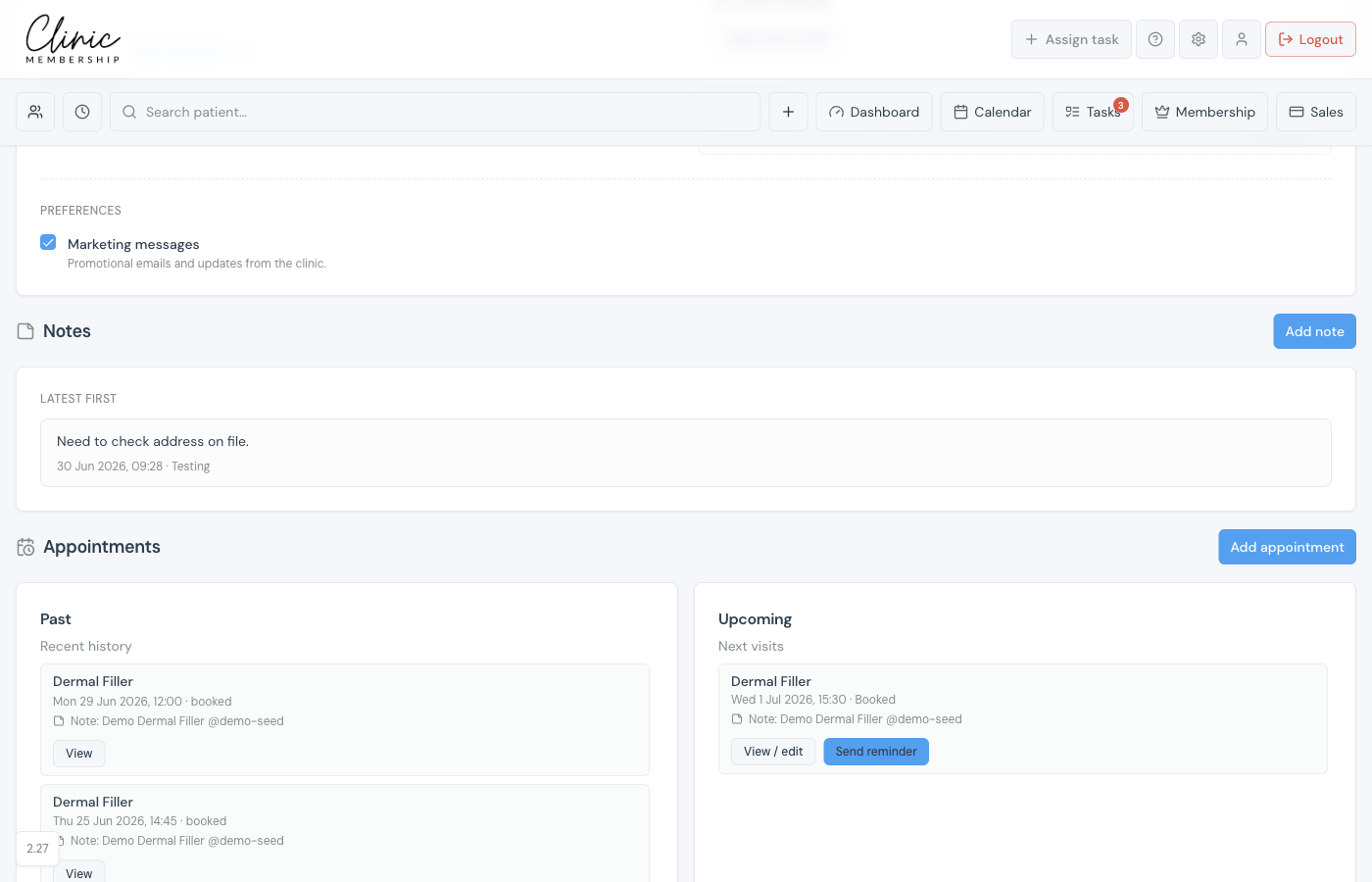
Internal notes on the patient card are for operational handover, allergies flagged at reception, membership queries, or “running late”. They are not a replacement for clinical notes in Documenti, but they do copy across so clinicians see context on the daily list.
Add an internal note
- Open the patient card in Clinic Membership.
- Scroll to Internal notes (or add a note when creating a patient).
- Type your note and save.
- The note syncs to Documenti with the author’s name, usually within about a minute.
In Documenti
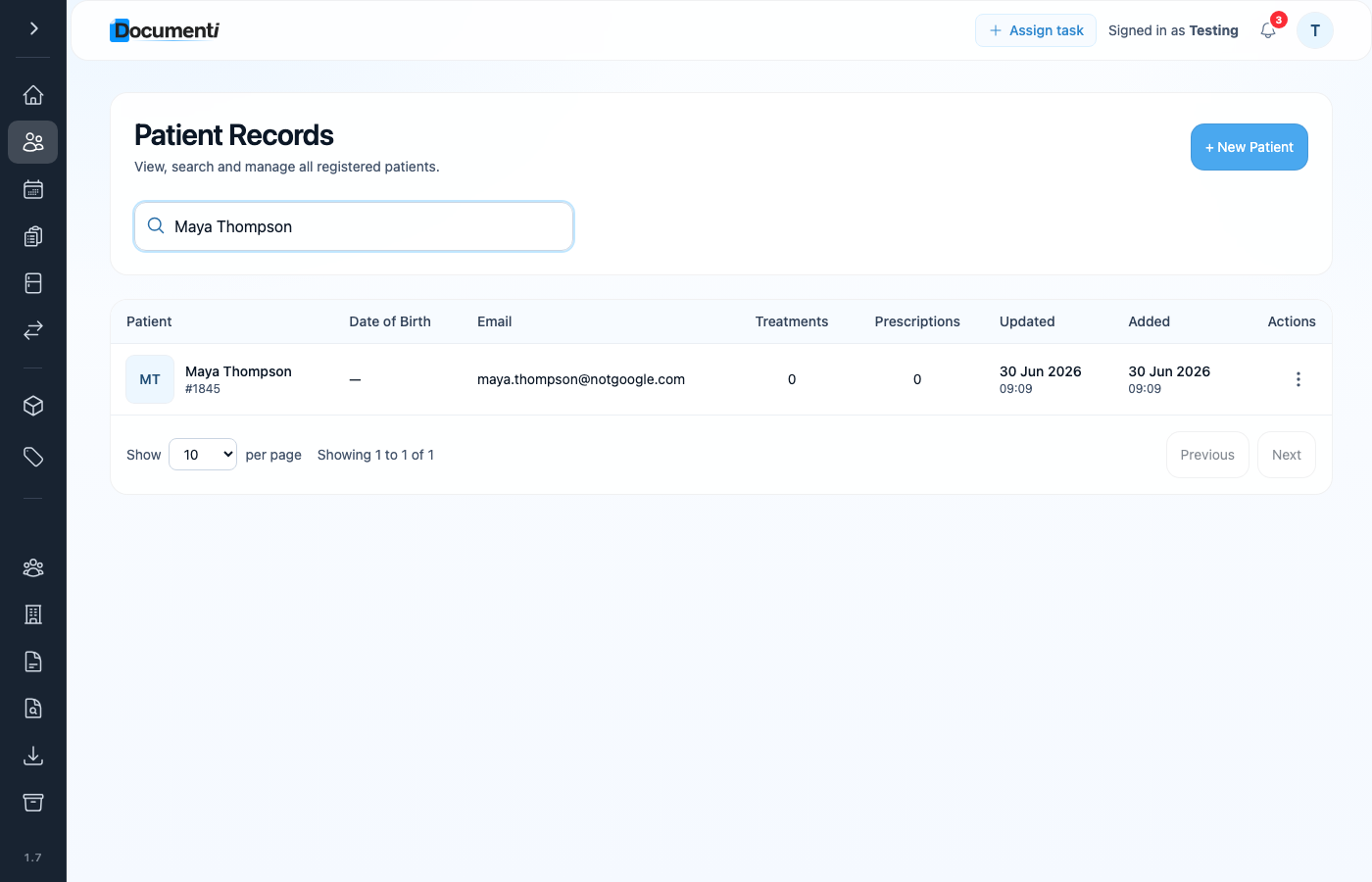
After sync, the same note appears under Admin notes on the patient overview in Documenti, separate from clinical consultation notes.
Note
Clinical documentation (consultation notes, treatment maps, and consents) stays in Documenti only. Do not put clinical detail in internal notes.
