


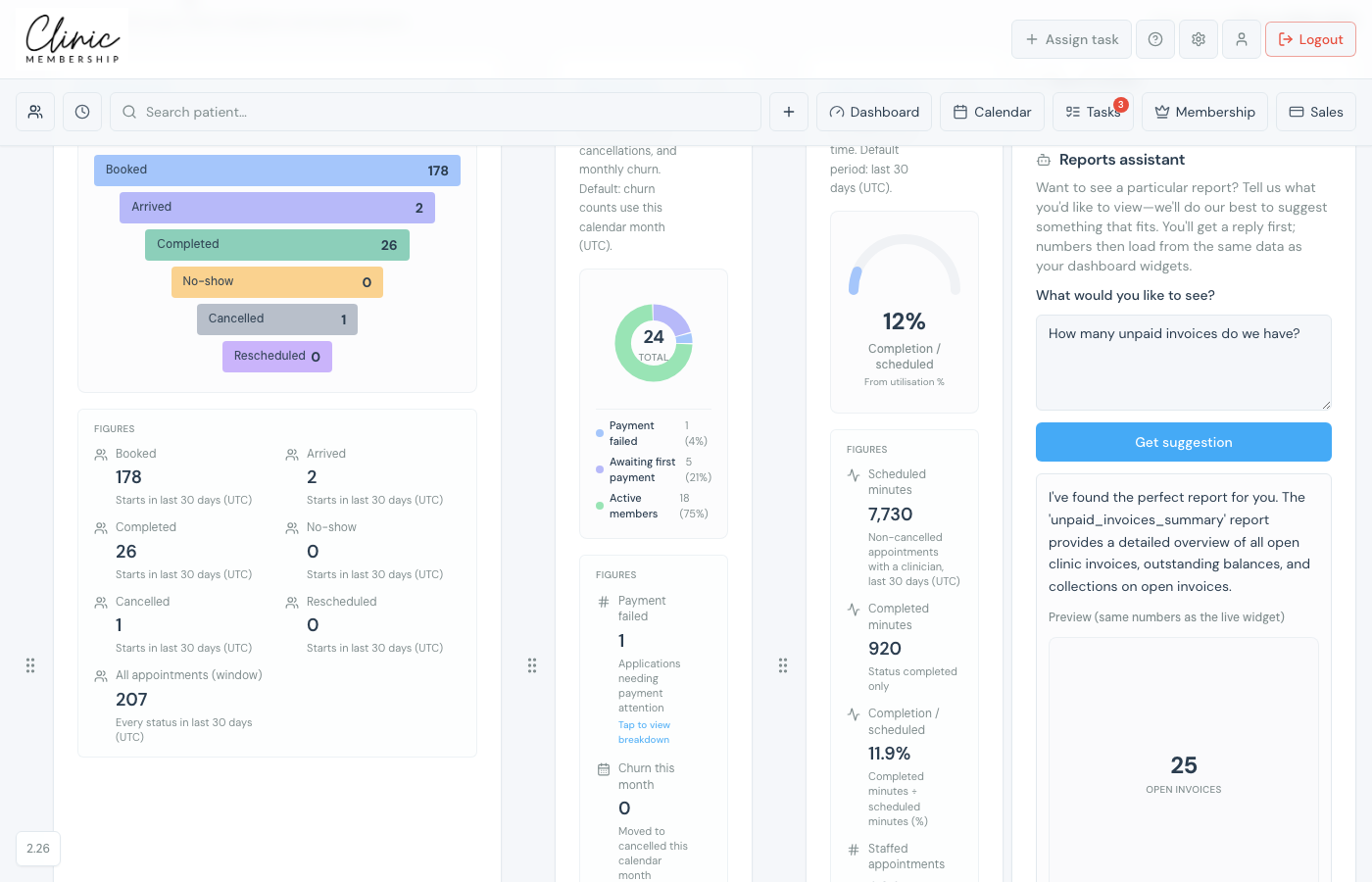
The reports assistant lives in the right-hand panel on Dashboard & reports. Tell it what you are trying to understand. It replies with a suggestion and, when possible, loads a preview using the same numbers as your live dashboard widgets.
Ask for a report
- Go to Admin → Dashboard & reports.
- Open the Report builder panel.
- In Reports assistant, type what you want, for example “How many unpaid invoices do we have?” or “Show me membership applications this month”.
- Click Get suggestion.
- Read the reply. If a report matches, a preview loads below with the same data as a dashboard widget.
- From the preview you can add the widget to your dashboard or open Manual report to export CSV/PDF.
Note
If nothing fits yet, use Suggest report to send your idea to the Clinic Membership team. We use these requests to improve the report library.
