


The Developer API (beta) is included with Founders+. It lets you sync patients and bookings, read invoices, and build custom workflows. Access is off by default until you accept the API Data Processing Agreement and create credentials.
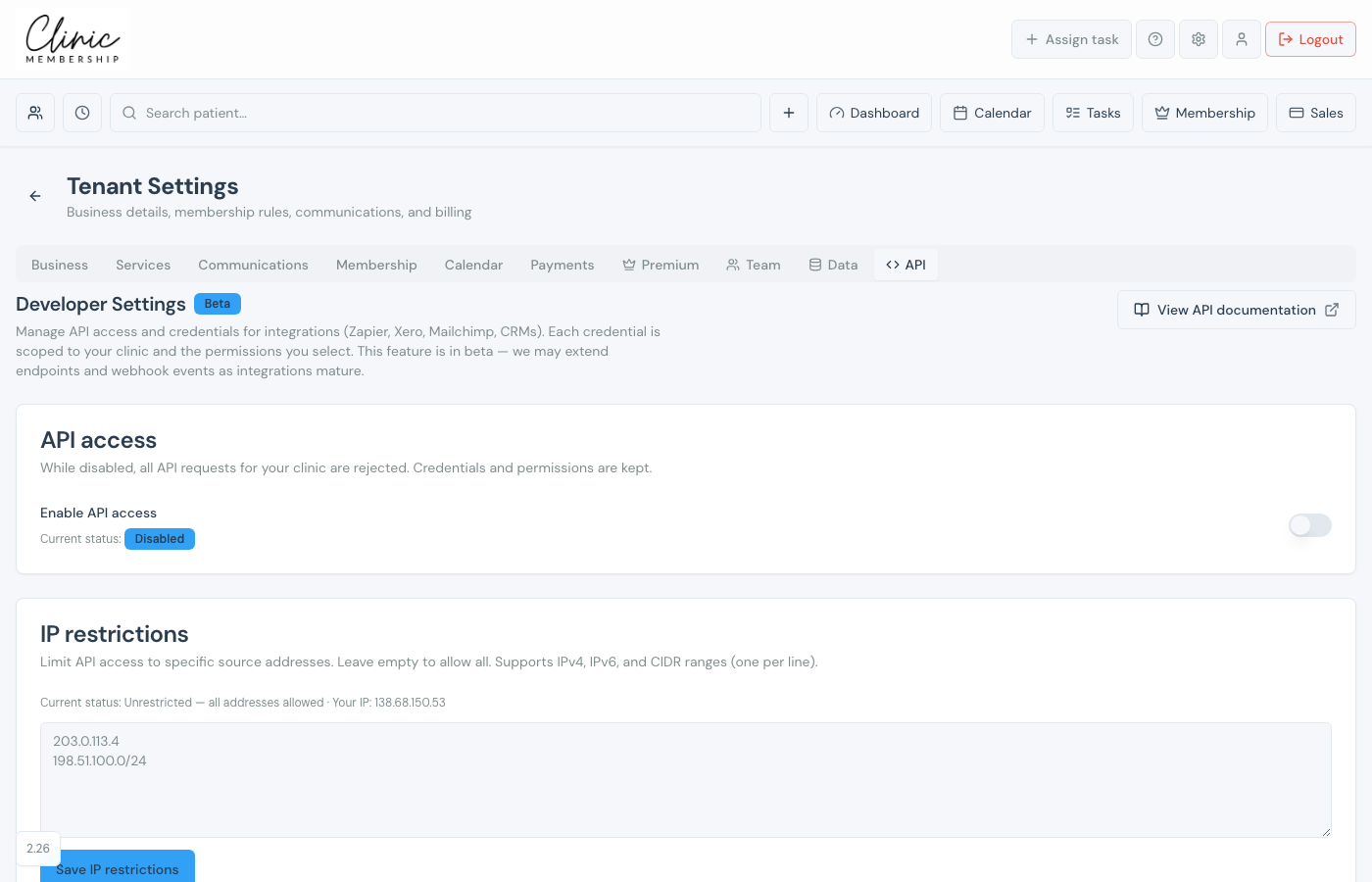
Enable API access
- Confirm you are on Founders+ (Settings → Premium).
- Go to Settings → API.
- Read API access & data processing and accept the DPA → Accept & continue.
- Switch on Enable API access.
- Optional: add IP restrictions for production credentials.
- Click Save settings.
Create credentials and webhooks
- Click Create credential and select Permissions (scopes) for your integration.
- Copy the client secret when shown. It is only displayed once.
- Optional: add Webhooks with your URL and event types.
- Monitor API activity on the same tab.
- Open View API documentation for endpoint reference (Admin → API docs).
Note
The API is beta. Review terms in settings before connecting production systems. For patient payments DPA, see GDPR and the Data Processing Agreement.
