


Clinic Membership acts as a data processor for patient data when you take payments and use certain features. UK GDPR requires a Data Processing Agreement (DPA) between your clinic and Clinic Membership (Apavai Ltd).
Patient payments DPA (Stripe Connect)
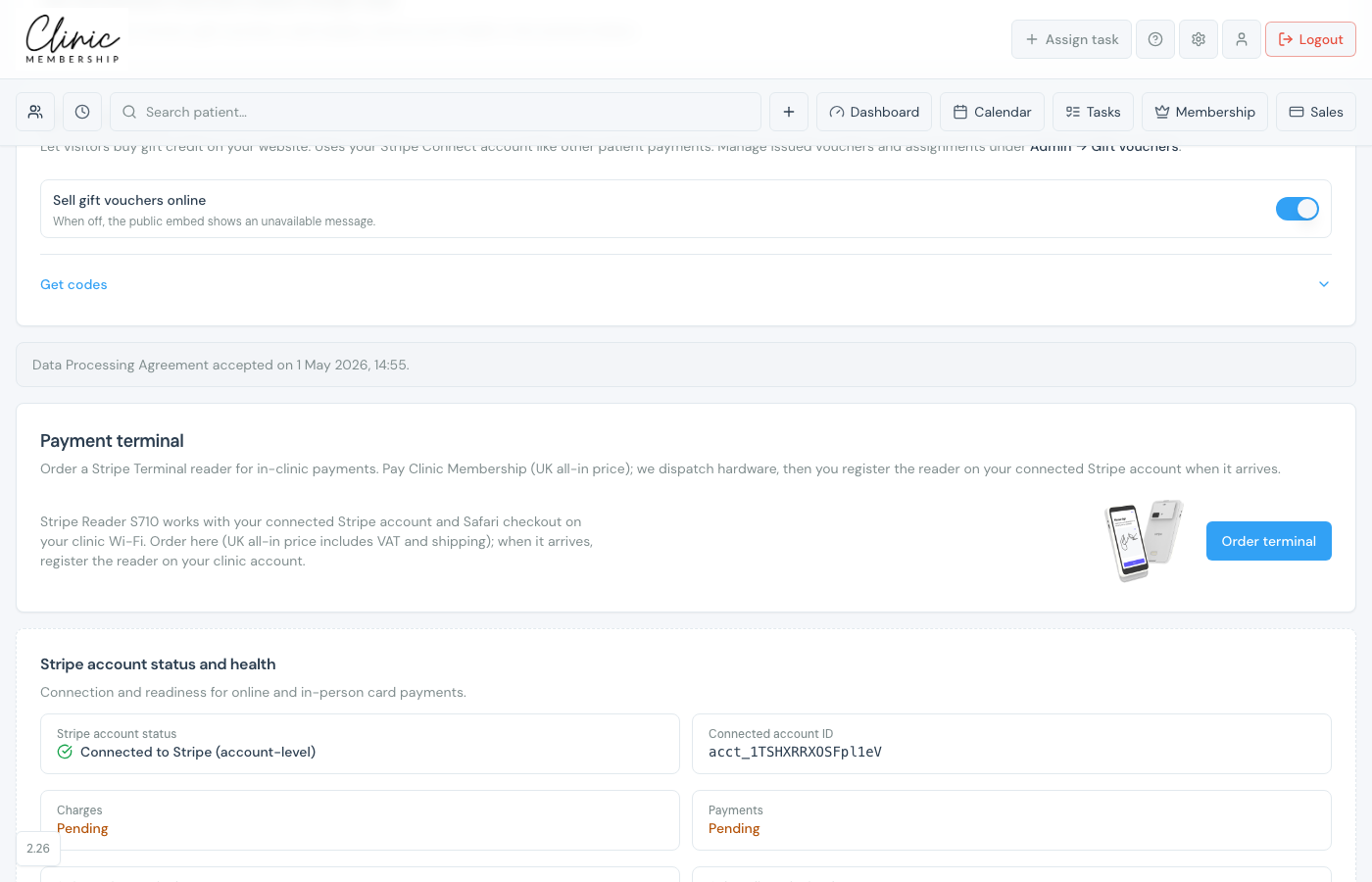
- Connect Stripe under Settings → Payments.
- When prompted, open the Data Processing Agreement section.
- Read the DPA at /dpa (opens in a new tab).
- Tick I have read and accept the Data Processing Agreement.
- Patient checkout and card readers unlock once accepted.
Developer API DPA
- Go to Settings → API (Founders+).
- Read API access & data processing.
- Accept the API DPA with Accept & continue before enabling API access.
Note
Settings → Data covers audit trail and export tools, separate from DPA acceptance.
