


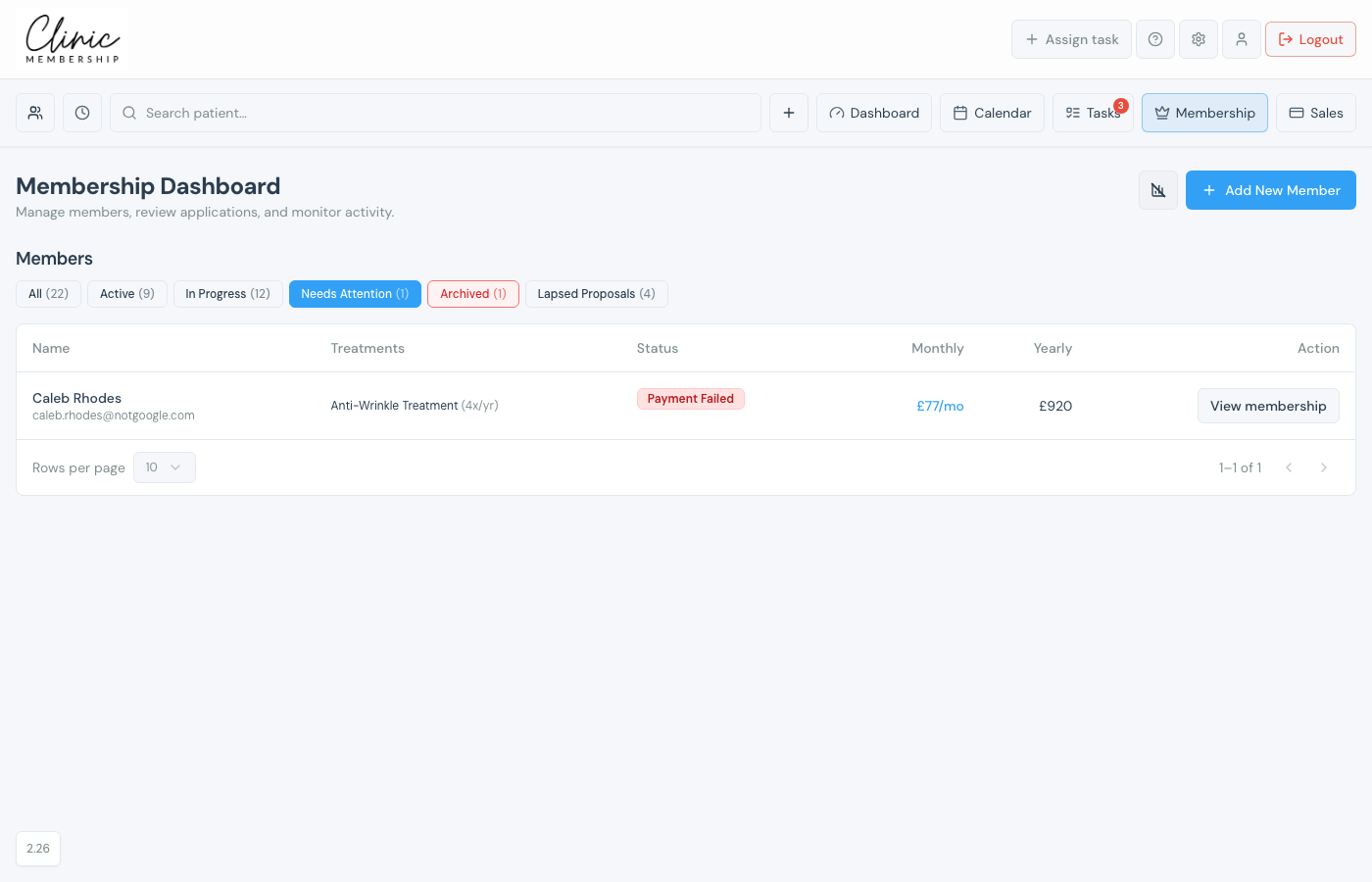
Admin → Membership is your home for every member and invite. Use the Needs Attention filter to spot failed payments, renewals, and other issues, then open a member card for the full activity log.
Find failed payments and renewals
- Open Admin → Membership (Membership in the top navigation).
- Under Members, click Needs Attention: the list shows anyone with a missed payment, payment failed status, renewal due, or cancelled application.
- Click View membership on a row to open their card.
Activity log on the member card
Every member and invite has an Activity log on their card. It records portal logins, successful payments, emails sent, and failed payment attempts, so reception knows what the patient has already been told.
- From the member list, click View membership (or the member’s name).
- Scroll to Activity log, events show newest first with icons for logins, payments, and emails.
When a payment fails
- A failed instalment appears in Activity log and on the member summary.
- Clinic Membership emails the patient automatically with a link to update their card and retry.
- You will see payment failed email events in the log when that message goes out.
- Once the patient pays, the log records the successful charge and membership status updates.
Tip
Open the patient’s full record from the member card if you need to call them or resend documents: the activity log is a timeline, not a replacement for the patient card.
