


Patient payments run through Stripe Connect, money goes to your clinic Stripe account. You need this before online checkout, membership billing, deposits, and gift vouchers can go live. UK card rates are 1.79% + 20p online and 1.69% + 20p in person.
Enable native payments
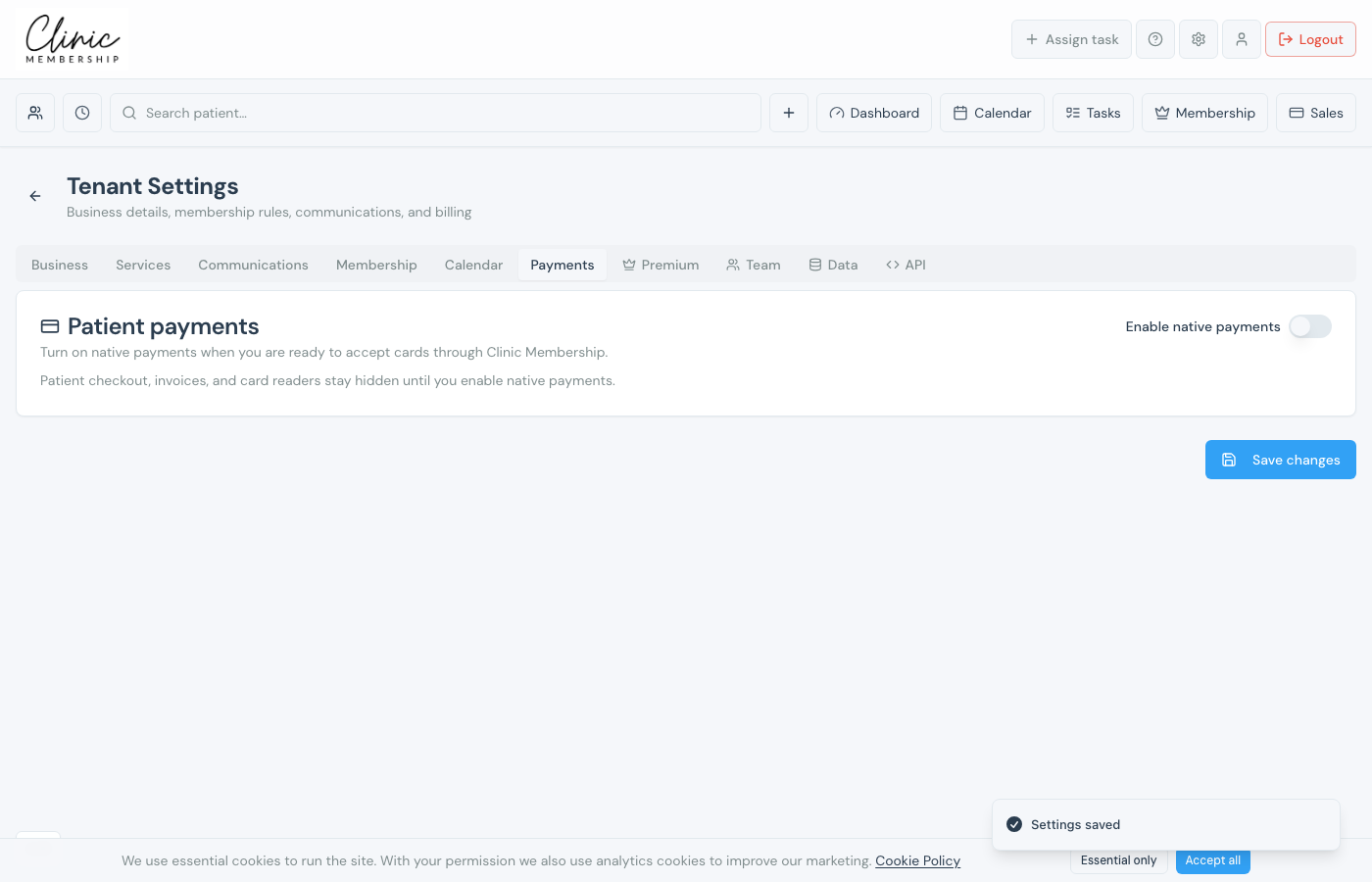
- Go to Settings → Payments.
- Find the Patient payments card.
- Switch on Enable native payments.
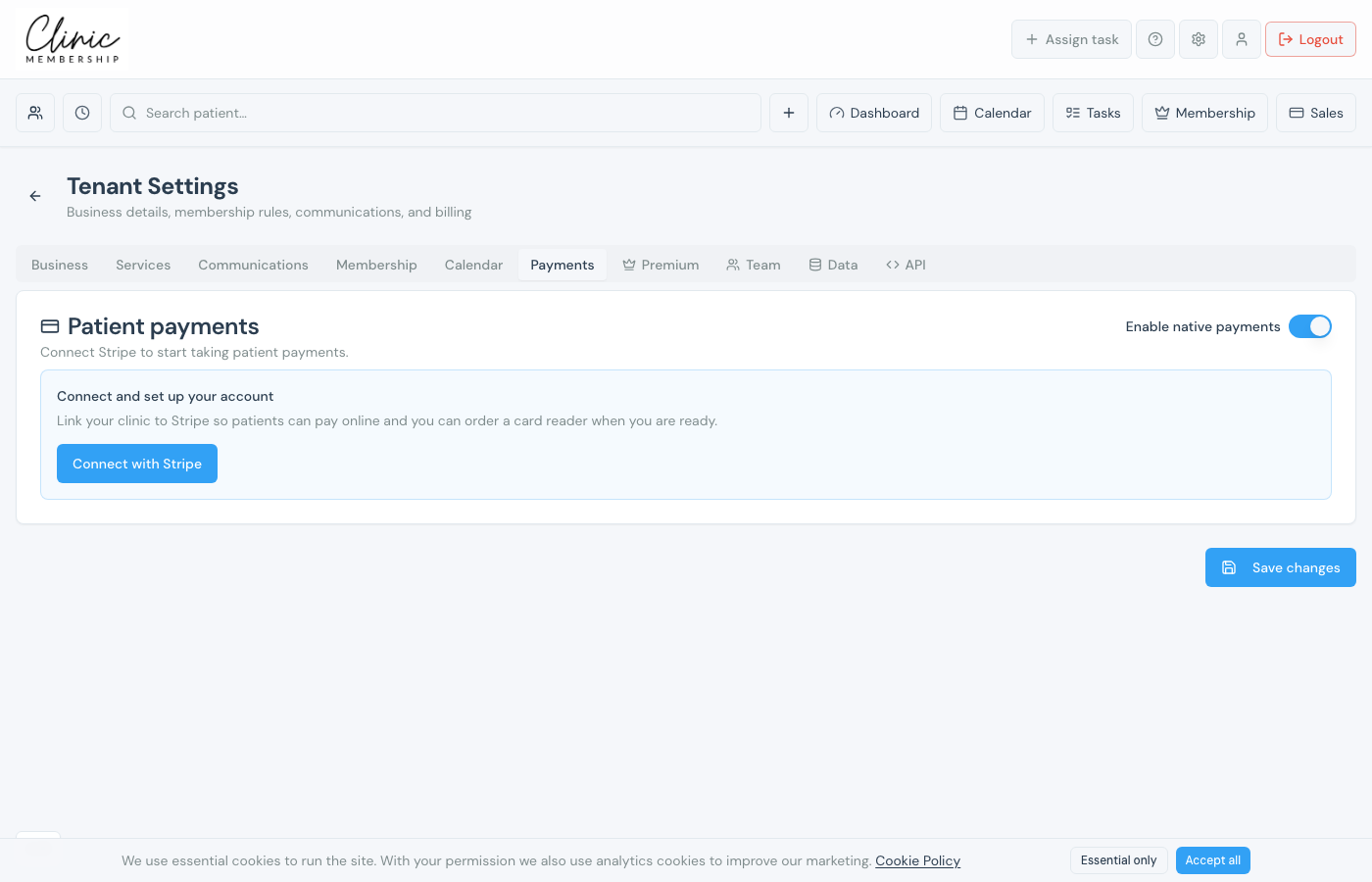
Connect your Stripe account
- Click Connect with Stripe and complete Stripe’s onboarding (business details, bank account).
- When you return, accept the Data Processing Agreement if prompted.
- Click Save settings if you changed anything else on the page.
Note
Until Stripe is connected, patient checkout and gift vouchers stay hidden. Membership software billing (your Clinic Membership subscription) is separate. It uses the Premium tab.
