


Order a Stripe Terminal reader from Payments settings, register it when it arrives, then take card payments at reception from Sales (POS). Payments run on your connected Stripe account. In-person UK card payments are 1.69% + 20p.
Order and register your reader
- Connect Stripe under Settings → Payments first.
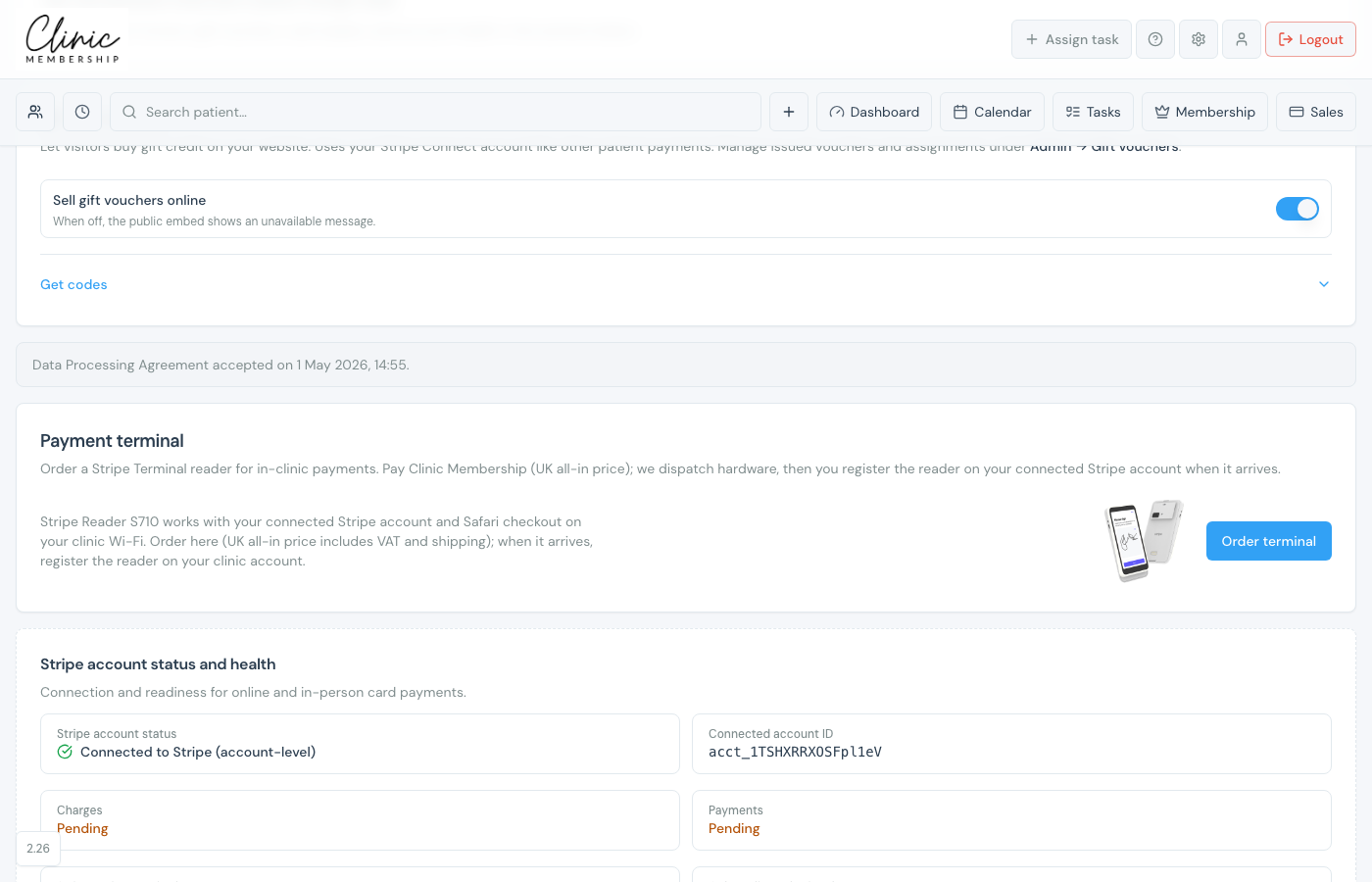
- Scroll to Payment terminal.
- Click Order terminal, choose WisePad 3 (Clinic Management app) or Stripe Reader S710 (Safari on Wi-Fi), and complete Stripe checkout.
- Track progress: Ordered → Shipped → Delivered.
- When the reader arrives, enter the pairing code from the device.
- Click Register reader with Stripe.
Take a payment at the till
- Open Sales from the top navigation.
- Search for the patient and start a sale.
- Add items and click Create invoice.
- Choose Card terminal and follow the prompts on the reader.
Note
Wake the reader before starting a terminal payment. If payment is cancelled on the device, start again from Sales.
