The admin calendar toolbar includes shortcuts that help reception and clinicians work faster, especially on shared screens or when planning weeks ahead for aesthetic treatments.
Live activity
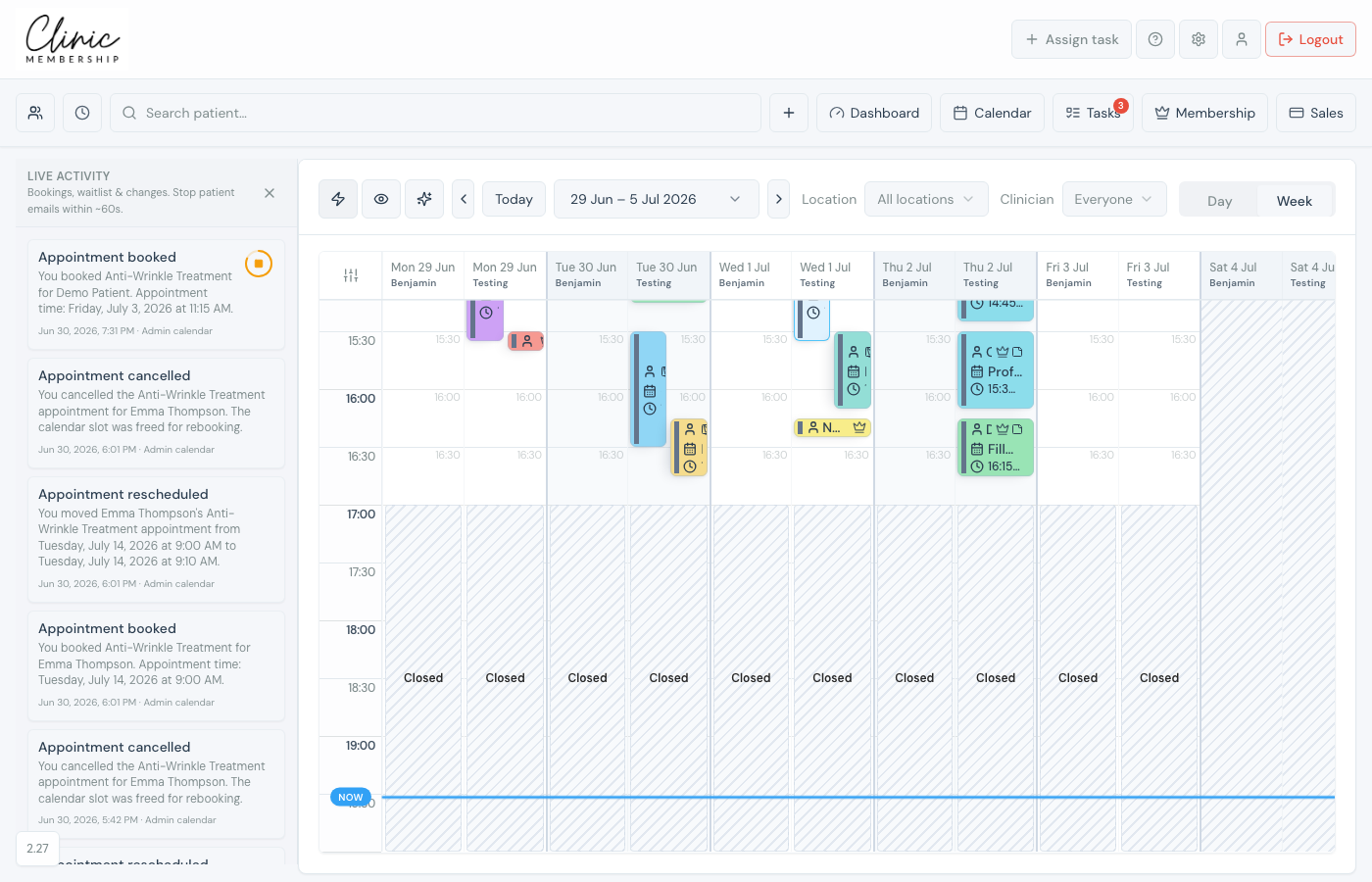
Click the lightning icon to open Live activity: a feed of recent bookings, changes, and cancellations from your audit trail. Useful when more than one person is managing the diary. To stop a patient email before it sends, use the stop button on an activity row. See Live activity and stopping patient emails.
Hide surnames (privacy)
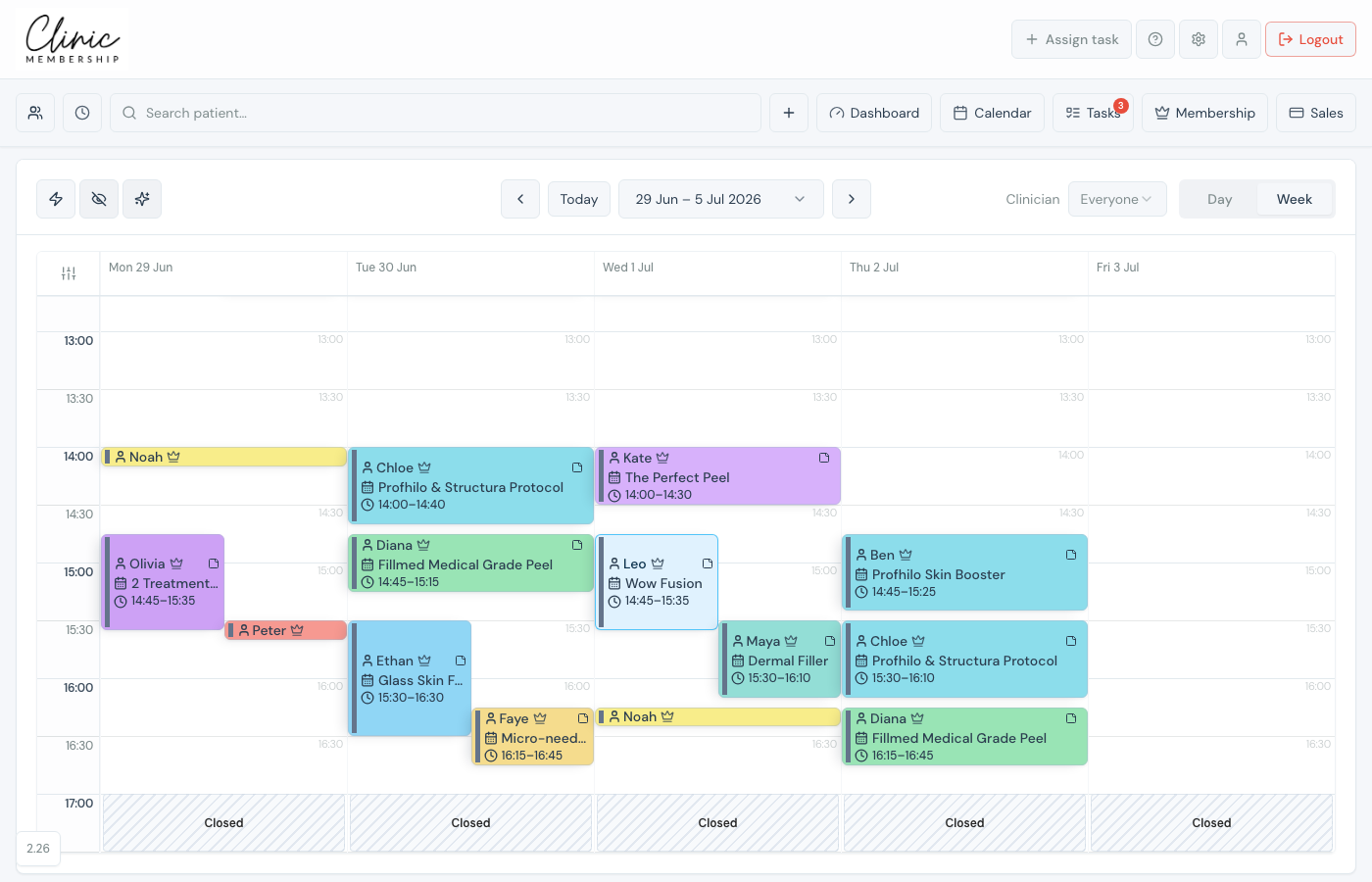
The eye icon toggles surname privacy, appointment tiles show first names only. Handy on a reception monitor or when a patient might glance at your screen.
Smart view (sparkle)
The sparkle button turns on Smart view: the grid zooms to your opening hours and trims dead space. In week view it focuses on weekdays so you see more appointments at once.
Jump ahead
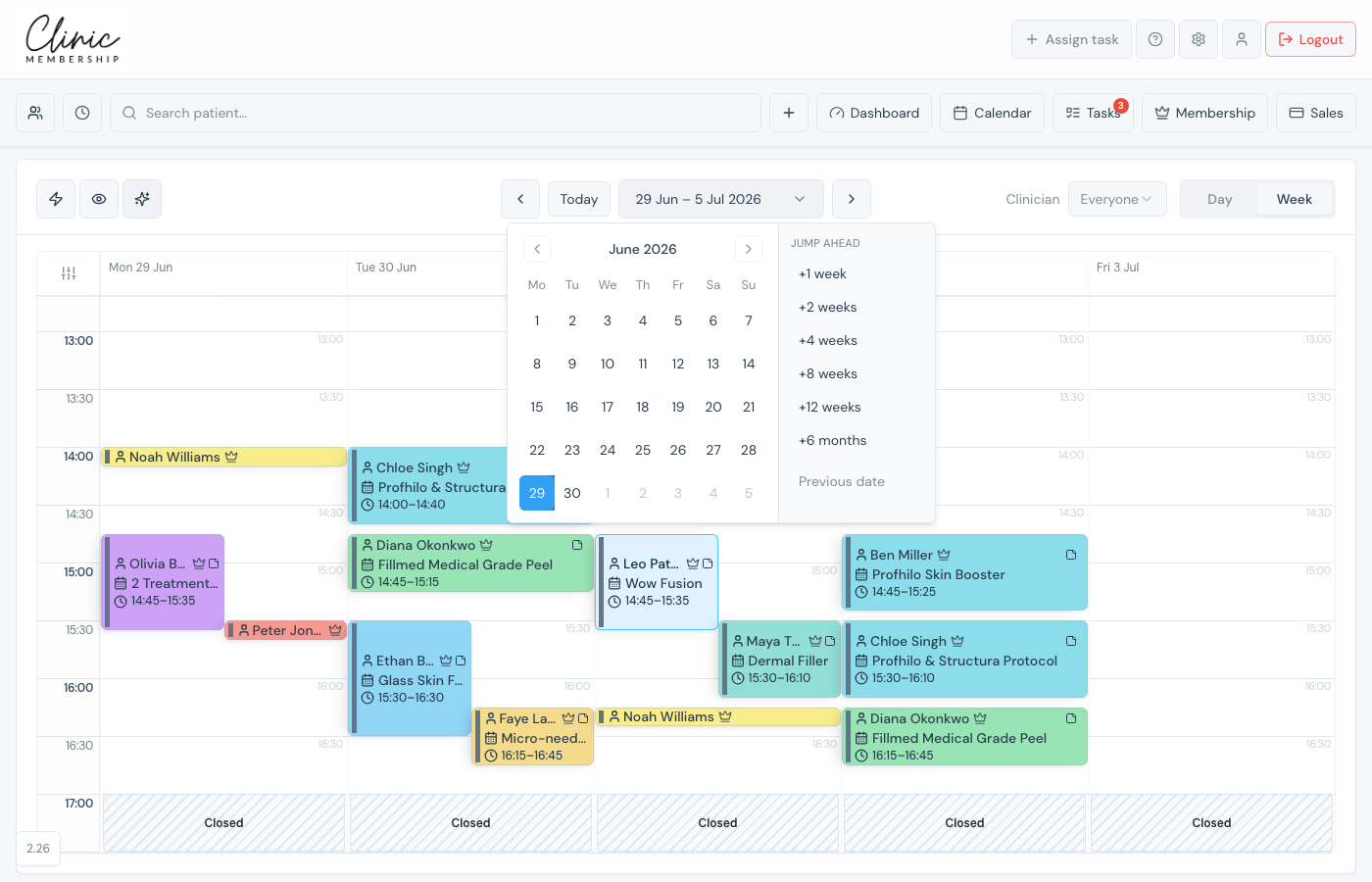
Click the date in the centre of the toolbar to open the calendar picker. Jump ahead offers one-click skips tuned to aesthetic clinics (+1 week through +12 weeks and +6 months) so you can plan follow-ups without clicking day by day.