


If your organisation runs more than one site, each location is a separate clinic in Documenti. Patients, forms, procedures, and the daily list are scoped to the clinic you are working in, so multi-site groups keep clinical records separate while still syncing bookings from Clinic Membership.
Add a clinic
- Sign in at app.documenti.co.uk as an organisation admin.
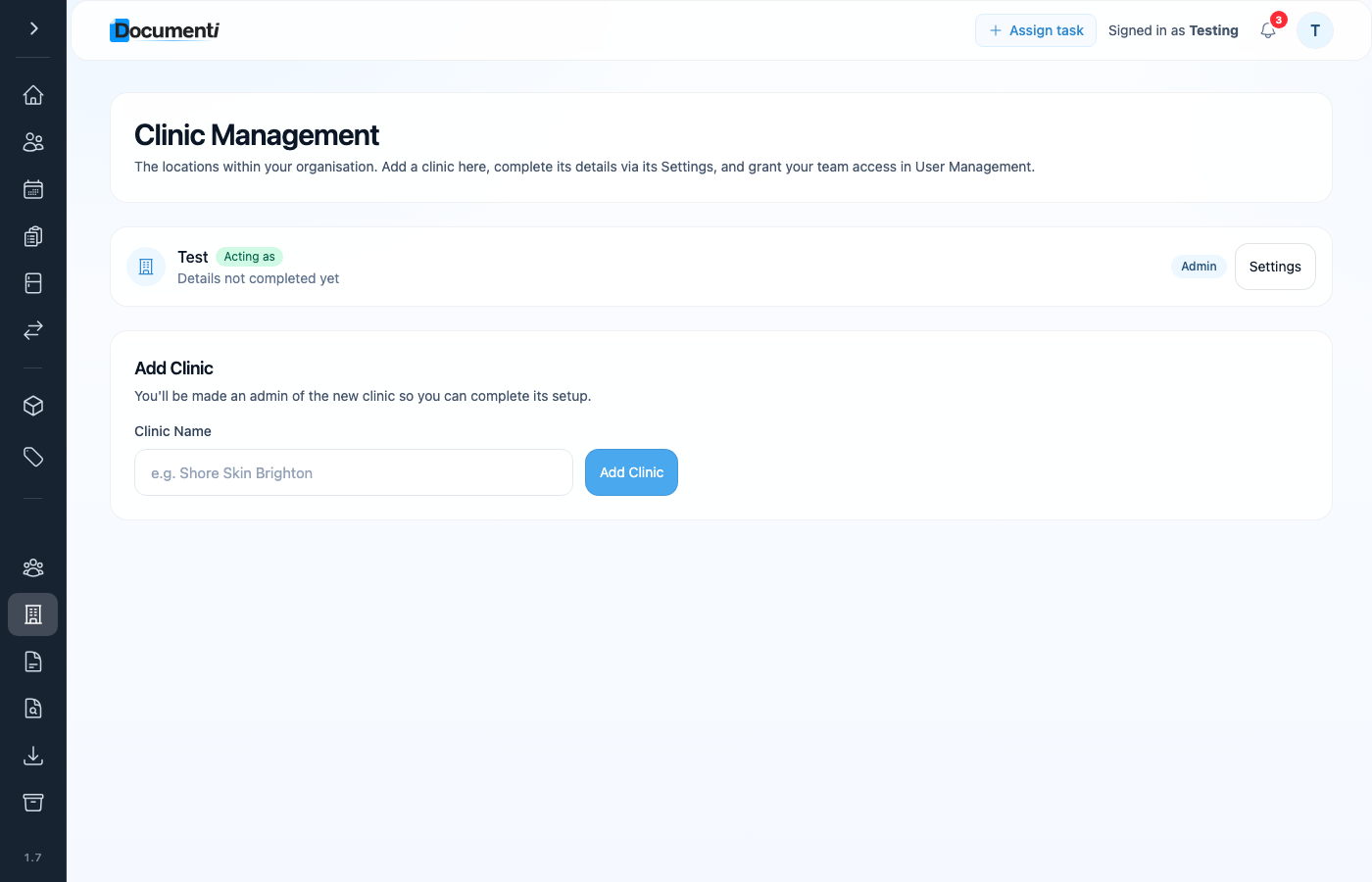
- Open Clinic Management from the main menu.
- Enter the new clinic name and click Add Clinic. You are made an admin of that clinic so you can finish setup.
- Open Settings on the new clinic card to complete address, contact details, and branding.
- In User Management, grant practitioners and reception access to the clinics they work at.
Note
Each Clinic Membership location needs its own Documenti clinic for professional stock. Add the clinic here, then pick it when you add the location in Settings → Calendar → Locations.
Switch between clinics
Use the clinic switcher in the Documenti header to move between locations. The daily list, patients, and clinical tools always show data for the clinic you are acting as.
