


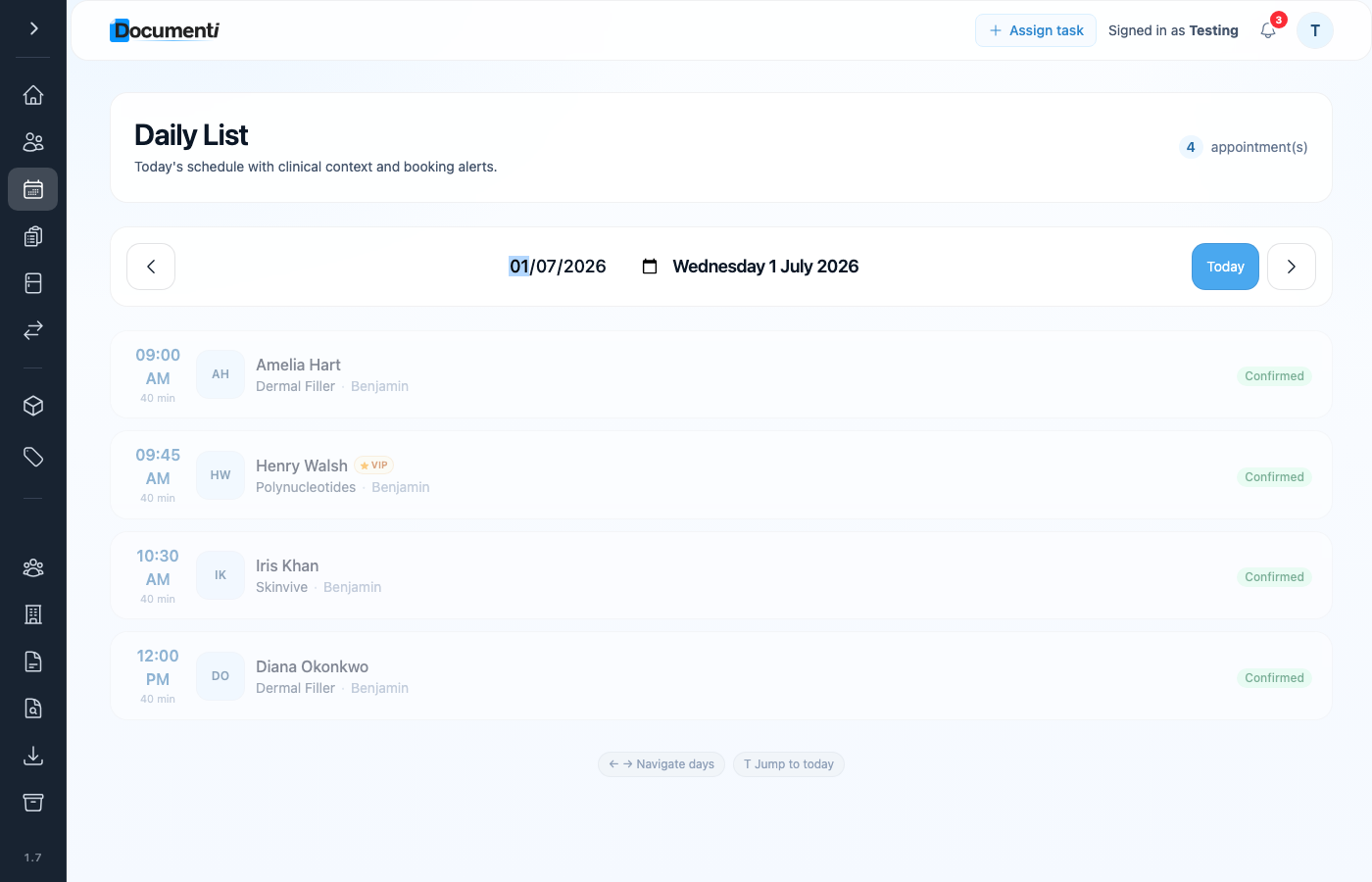
Clinicians see at a glance who is on a membership plan. When a patient has an active membership in Clinic Membership, their Documenti record is marked VIP on the next sync.
When VIP is set
- The patient has an active membership subscription in Clinic Membership.
- Their patient record syncs to Documenti (on create, update, or when a booking triggers sync).
- Documenti shows the VIP indicator on that patient.
When VIP clears
If membership lapses, is cancelled, or payment fails until the subscription ends, the next patient sync sends VIP as off. Clinicians then see the patient as a standard record in Documenti.
Tip
Reception manages membership status in Clinic Membership only, clinicians do not need to toggle VIP manually in Documenti.
