


Organisation settings control branding across every clinic in your organisation: logo, document colours, stock management, attachment storage, patient matching, and sign-in preferences including SSO.
Tip
Clinic, Organisation, and Developer settings are tabs at the top of the Settings page. Open Settings once from the account menu, then choose the Organisation tab.
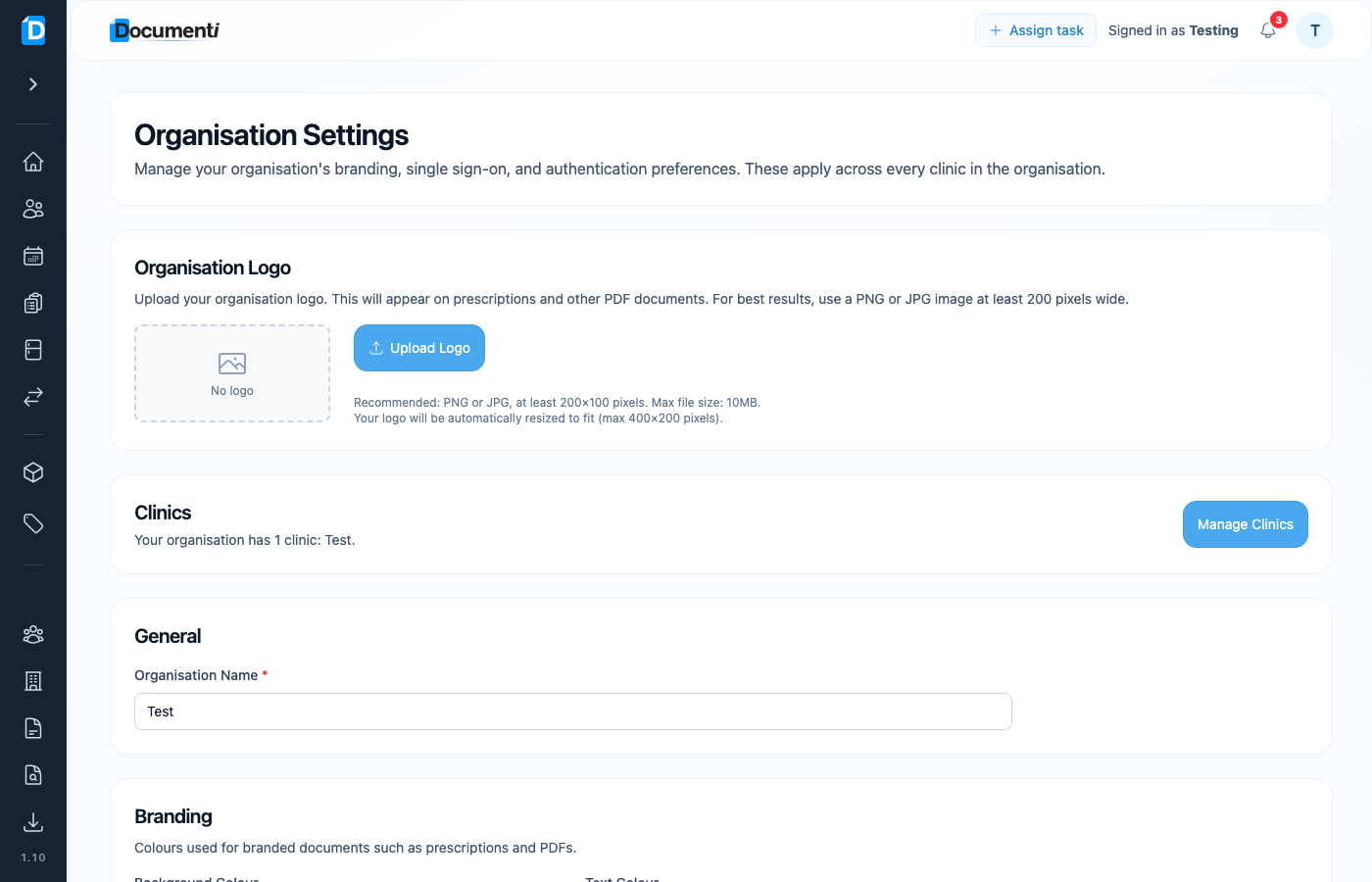
Upload your logo
- Open Settings from your account menu → Organisation tab.
- Under Organisation Logo, choose Upload Logo.
- Use a PNG or JPG at least 200×100 pixels (max 10 MB). Documenti resizes to fit (max 400×200).
Brand colours
Set Background Colour and Text Colour for branded documents (prescriptions and other PDFs). These apply organisation-wide.
Tip
Clinic-specific contact details and default prescriber still live under Clinic Settings. Logo and colours are organisation-wide.
