


Your clinic timezone controls how appointment times appear on the admin calendar, when patients book online, waitlist calendars, and drag-to-reschedule previews. It should match where the clinic actually operates, not a staff member’s laptop timezone if they travel.
Set the timezone
- Go to Settings → Business.
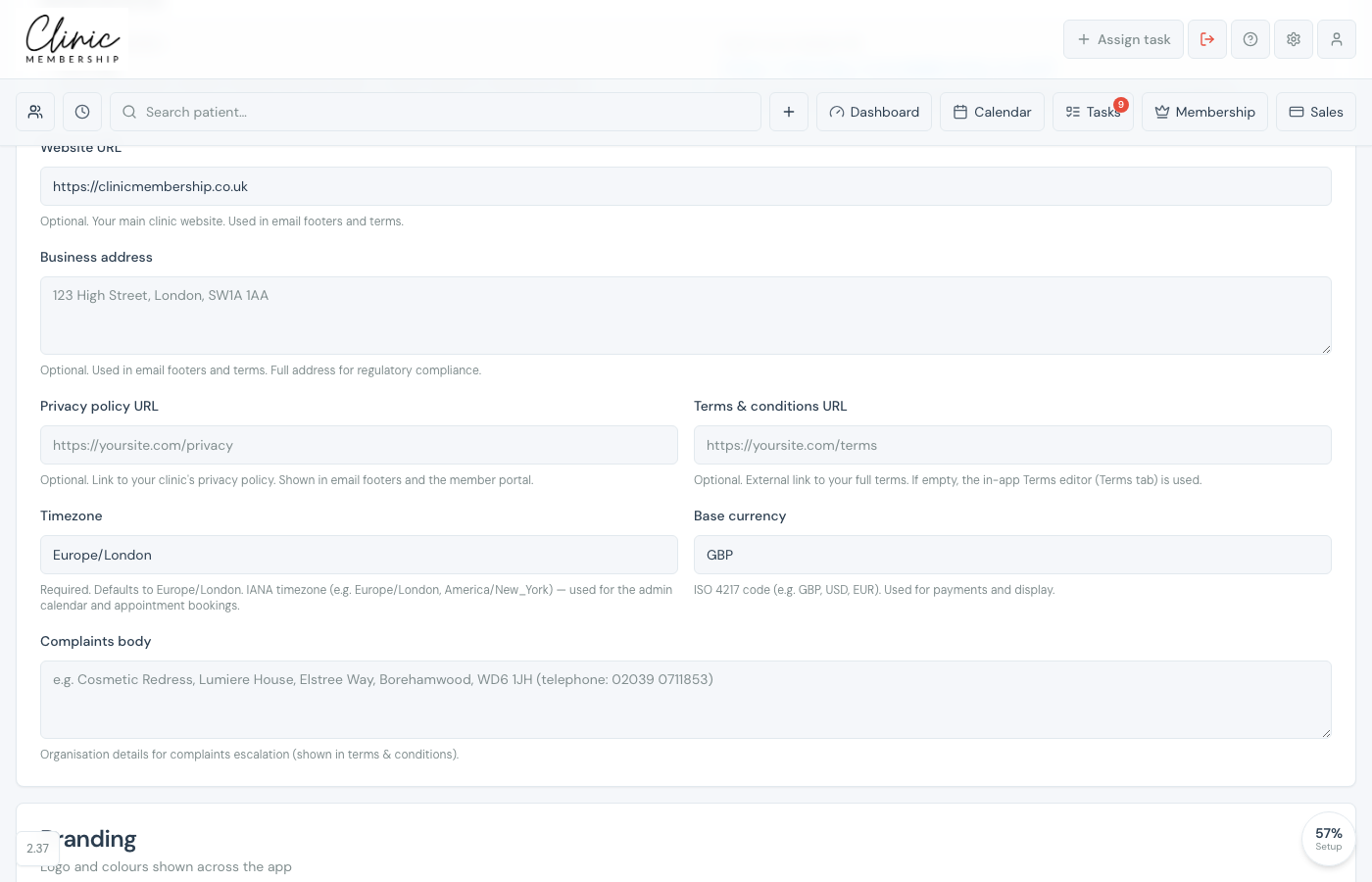
- Find Timezone under your business details.
- Enter an IANA timezone name, for most UK clinics leave Europe/London.
- Click Save settings at the bottom of the page.
Note
Timezone is required and defaults to Europe/London. Examples: Europe/London, Europe/Dublin, America/New_York. Use the exact IANA name (with the slash), not a city nickname alone.
Tip
If diary times look an hour out after a daylight-saving change, confirm the timezone is still Europe/London (or your real clinic zone) and refresh the calendar. Rotas and booked appointments follow the clinic timezone, not the browser’s local zone.
