


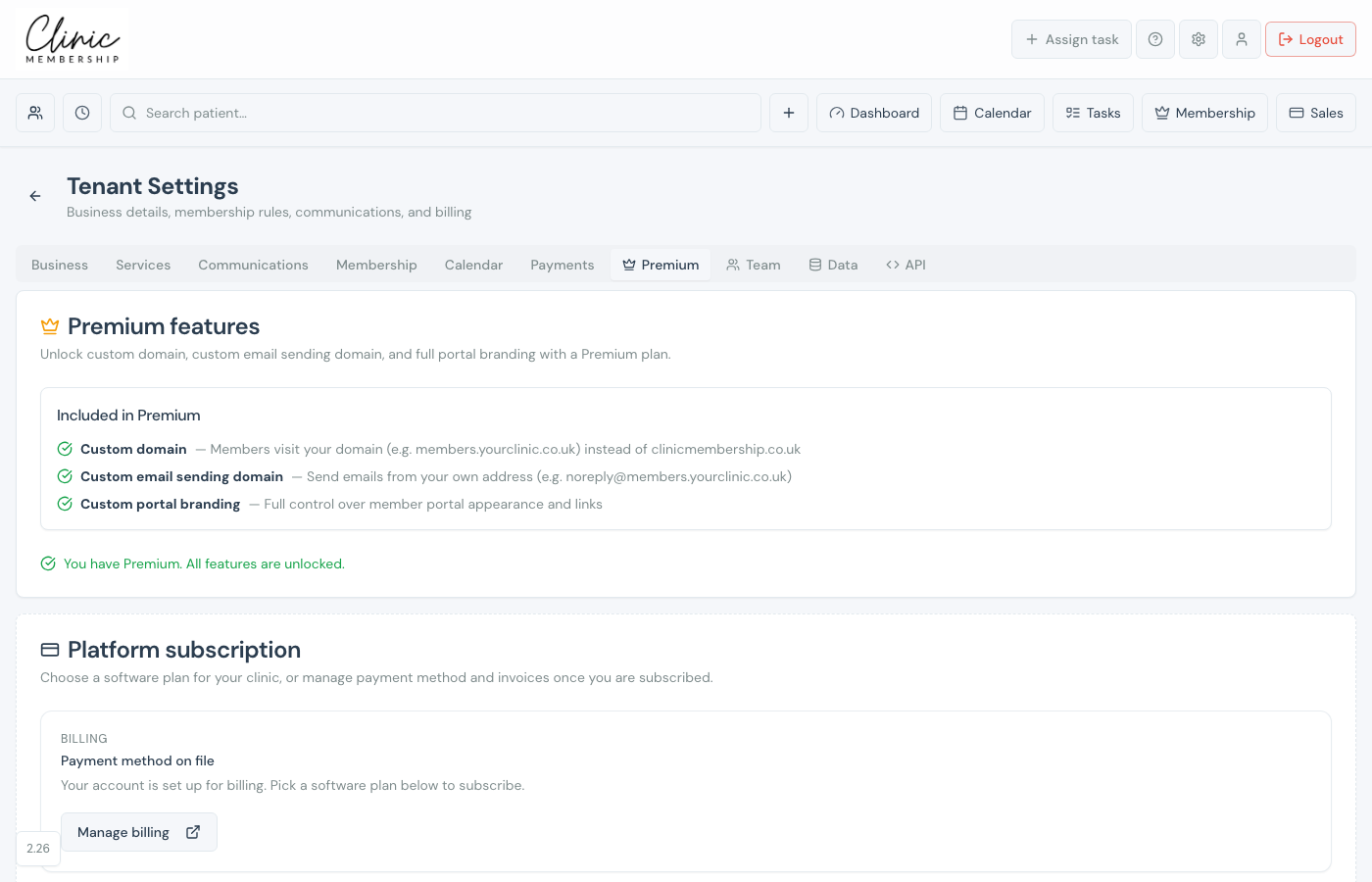
Your Clinic Membership subscription (Free, Founders, or Founders+) is billed separately from patient payments through Stripe Connect. Manage your software plan, payment method, and invoices under Settings → Premium.
View and change your plan
- Go to Settings → Premium.
- Review Platform subscription and Your plan.
- To upgrade or change plan, use the upgrade controls or Change plan.
- Complete checkout in Stripe if prompted.
Billing and cancellation
- Click Manage billing to open the Stripe customer portal.
- Update your card, download invoices, or cancel from there.
- Read What happens if I cancel or downgrade? on the Premium tab before changing plan.
Note
Patient payments (Settings → Payments) use your clinic’s Stripe Connect account. Premium billing is for Clinic Membership software only.
