


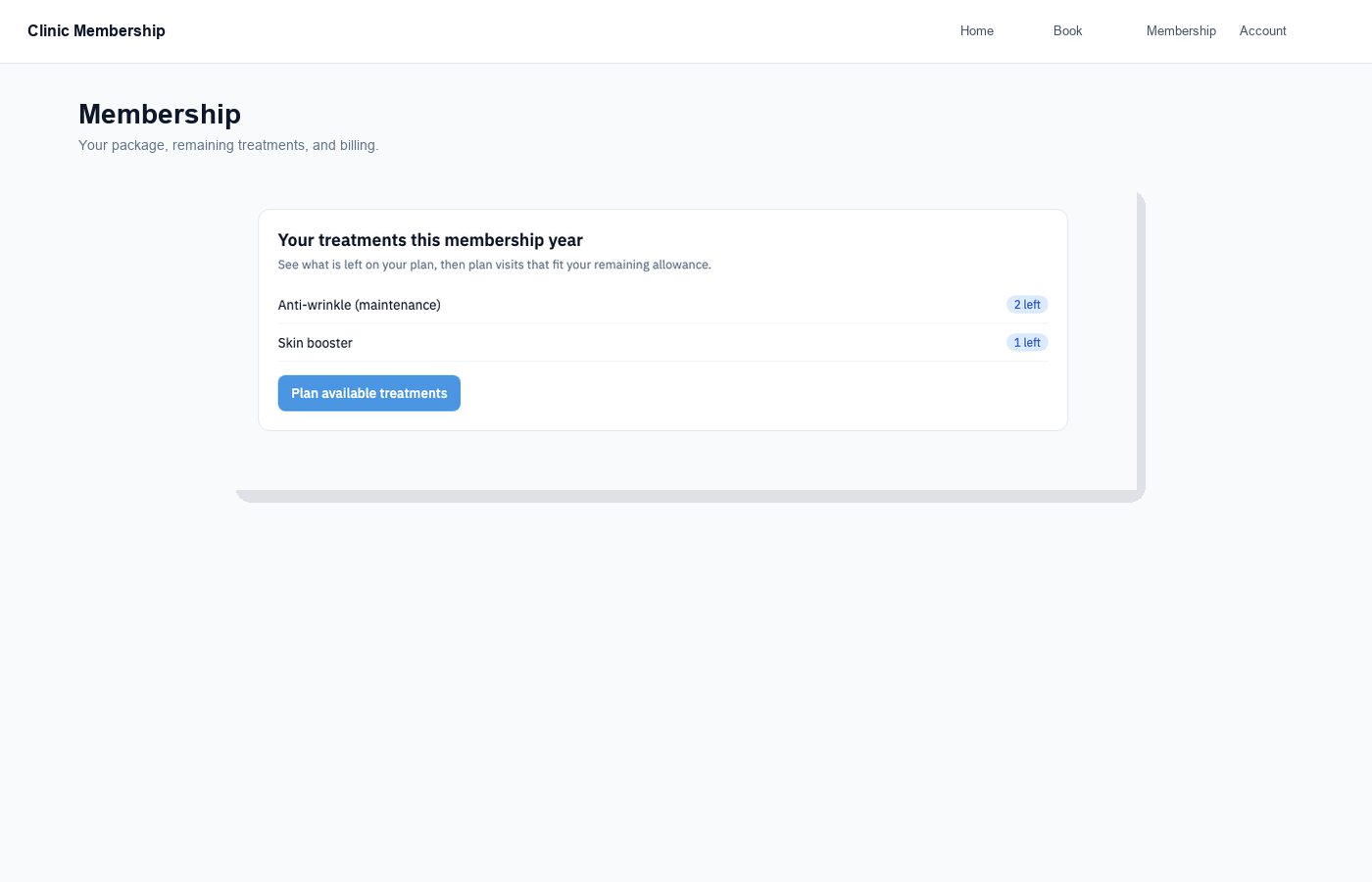
The membership treatment planner helps members book what is left on their plan. Staff can see the same remaining counts on the patient card and nudge someone to plan their next visits.
What members see
- The member signs in to the patient portal.
- They open Your treatments this membership year.
- They click Plan available treatments.
- They tick times that work and click Book selected, bookings count against remaining allowance.
Tip
Members may also see a Time to book your next visit banner with Book now or Book next on individual treatments.
What staff do
- Open the member’s patient card → Membership → This membership year.
- Check Used, Booked, and Left for each treatment.
- Ask them to use Plan available treatments in the portal, or book the next visit for them on Admin → Calendar.
