


Payment links let patients pay online from their email. Links stay valid until the invoice is paid or voided, useful for prepayments, failed card charges, and no-show fee recovery.
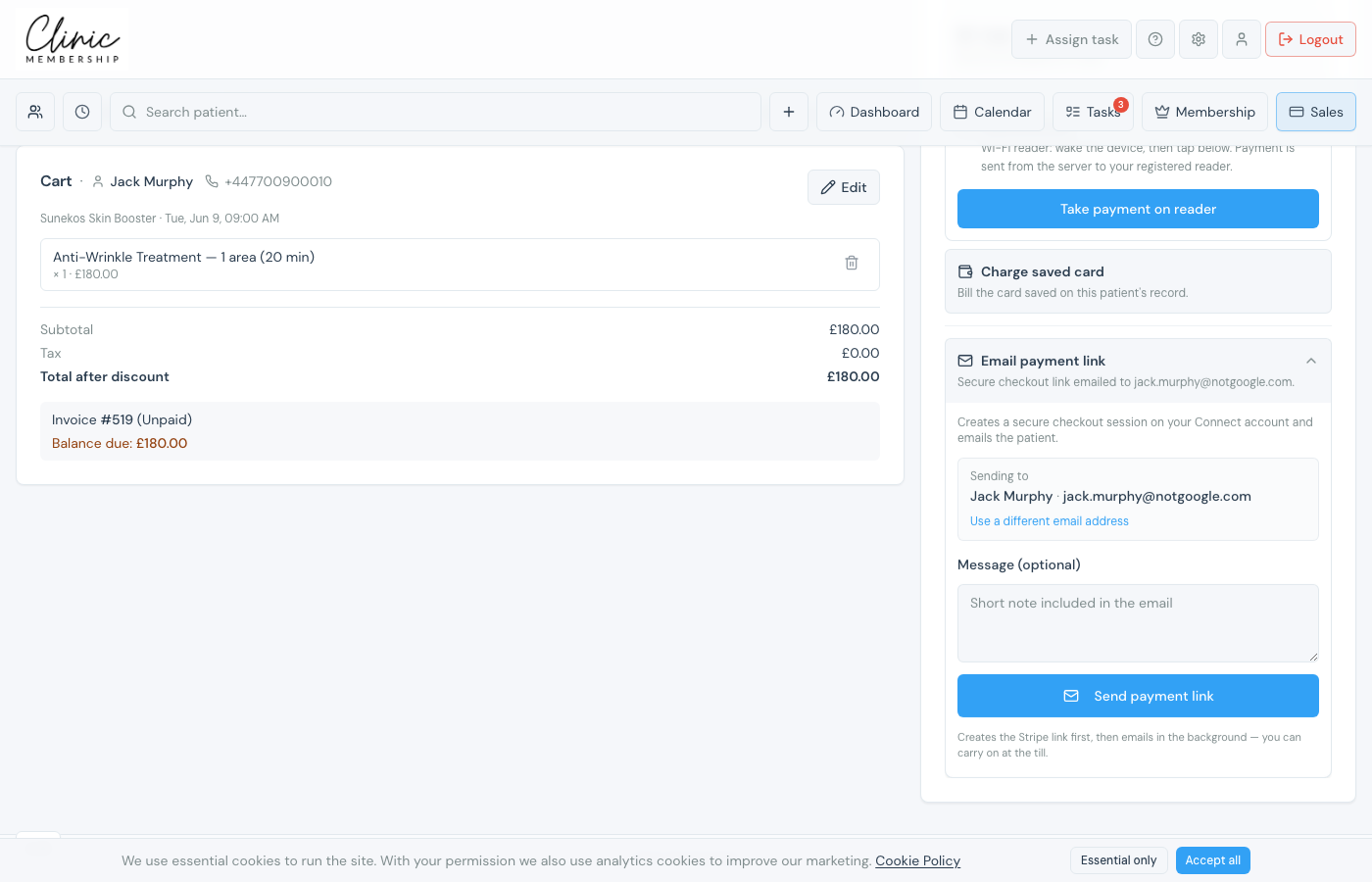
From Sales (POS)
- Create an invoice in Sales as usual.
- Choose Email payment link instead of charging a card immediately.
- Click Send payment link: the patient receives an email with a pay button.
From an existing invoice
- Go to Admin → Invoices.
- Open an unpaid invoice.
- Use Send payment link or resend from the invoice actions.
Tip
When staff book a prepaid treatment from the calendar, you can email a prepayment link at booking time instead of collecting immediately. For clinics with Take deposit, staff can also email a deposit payment link when the patient has no card on file. See Take a deposit when booking on the calendar.
