


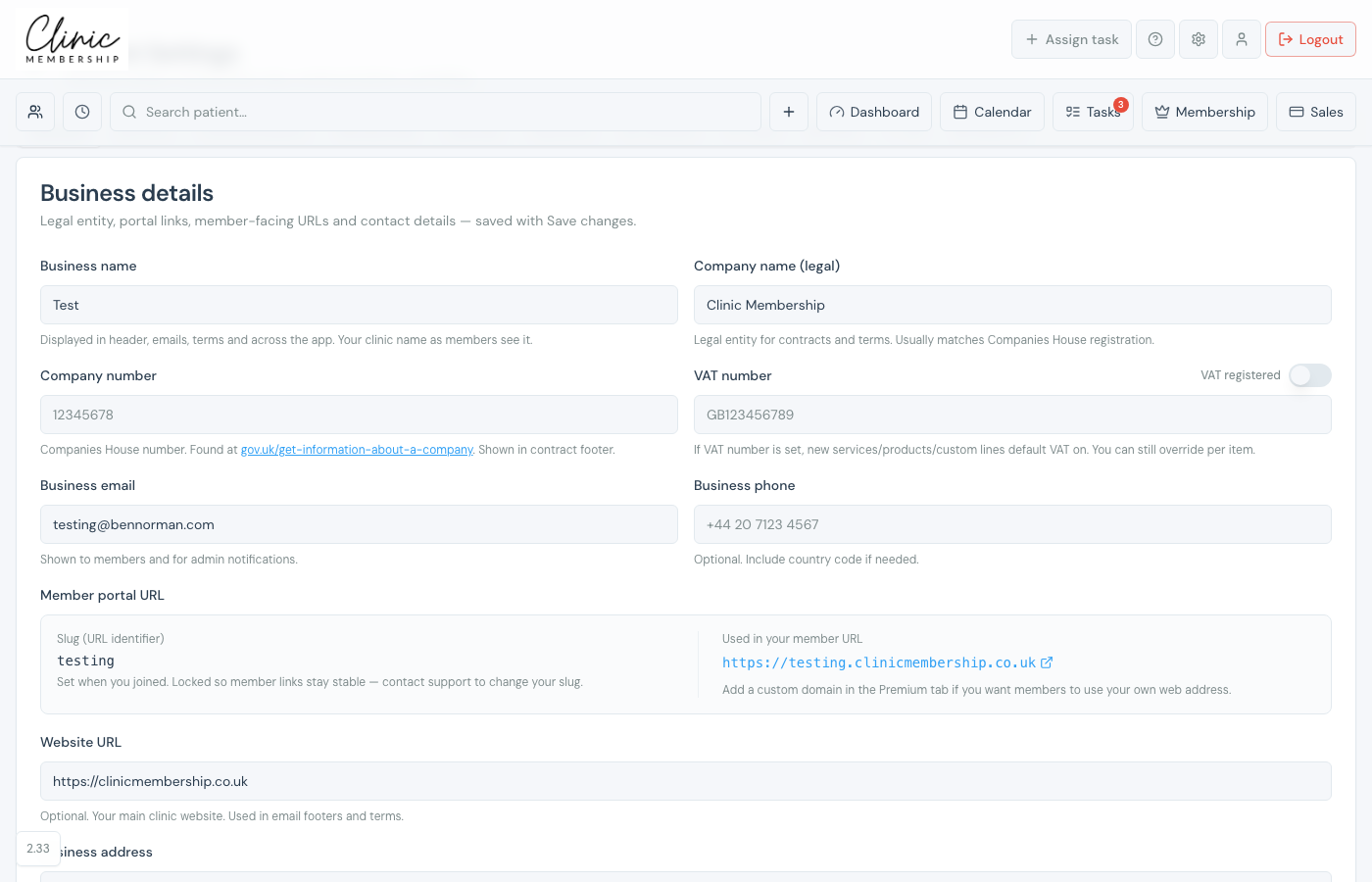
If your clinic is VAT registered, set that once under Business details. New services, products, and custom lines then default with VAT on. You can still override tax on individual products.
Turn on VAT for the clinic
- Go to Settings → Business.
- Scroll to Business details.
- Enter your VAT number (for example GB123456789).
- Turn on VAT registered if your clinic is registered.
- Click Save settings (or Save changes) at the bottom of the page.
Note
If a VAT number is set, new catalogue items default VAT on. On retail products you can still choose N/A or VAT at 20%, and whether the price includes tax.
