


Suppliers sit on the Stock page. Use them to group retail and professional products by who you buy from, useful for reordering and filtering the product lists.
Add a supplier
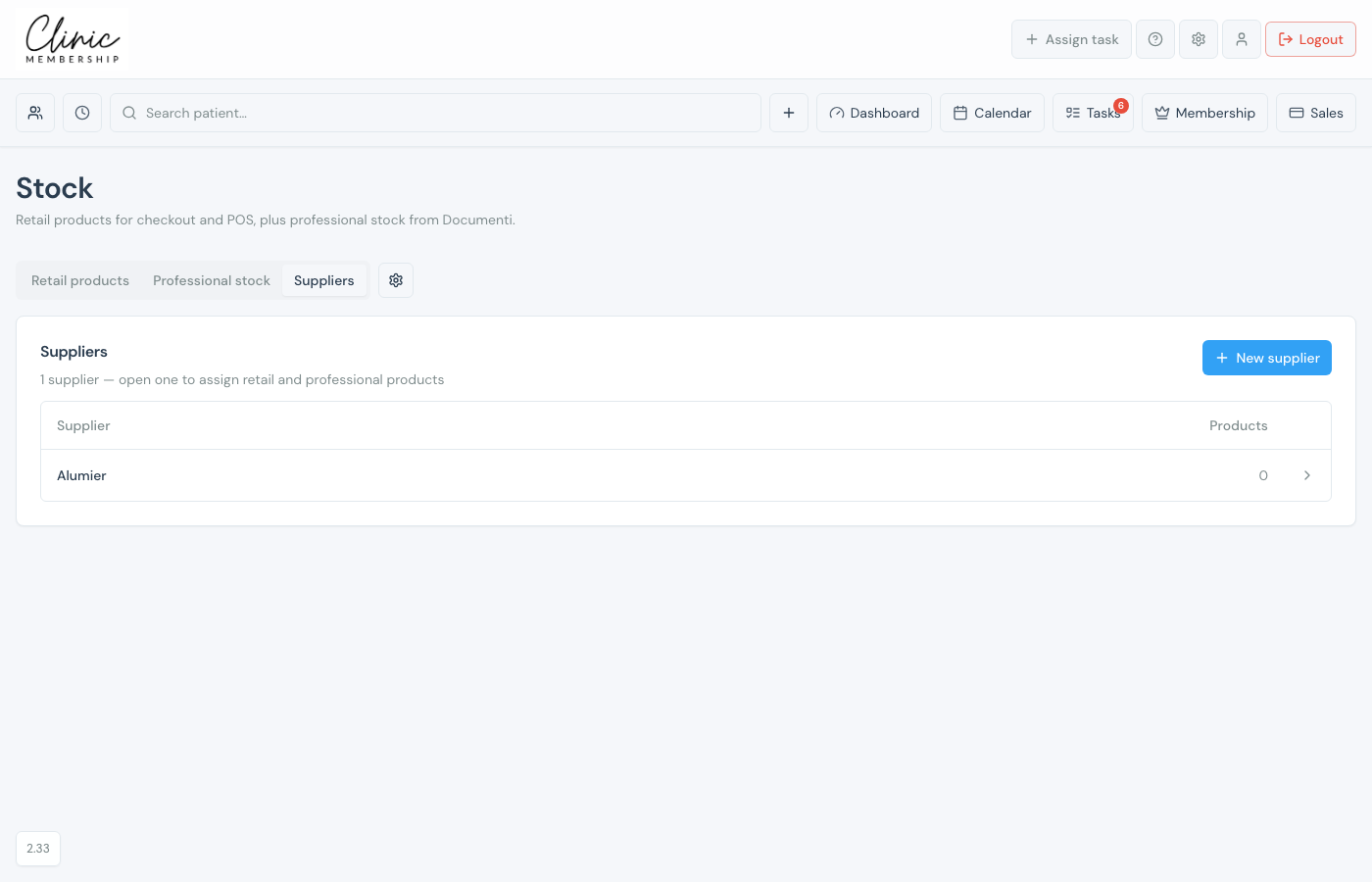
- Go to Sales → Stock → Suppliers.
- Click New supplier and enter the name.
- Save: the supplier appears in the list with a product count.
Assign products
- Click a supplier row to open it.
- Assign retail products, professional products, or both.
- Unassign anything that no longer belongs to that supplier.
Tip
You can also set the supplier on a retail product’s edit page. On Retail products, Filter → No supplier finds items still missing a supplier.
