


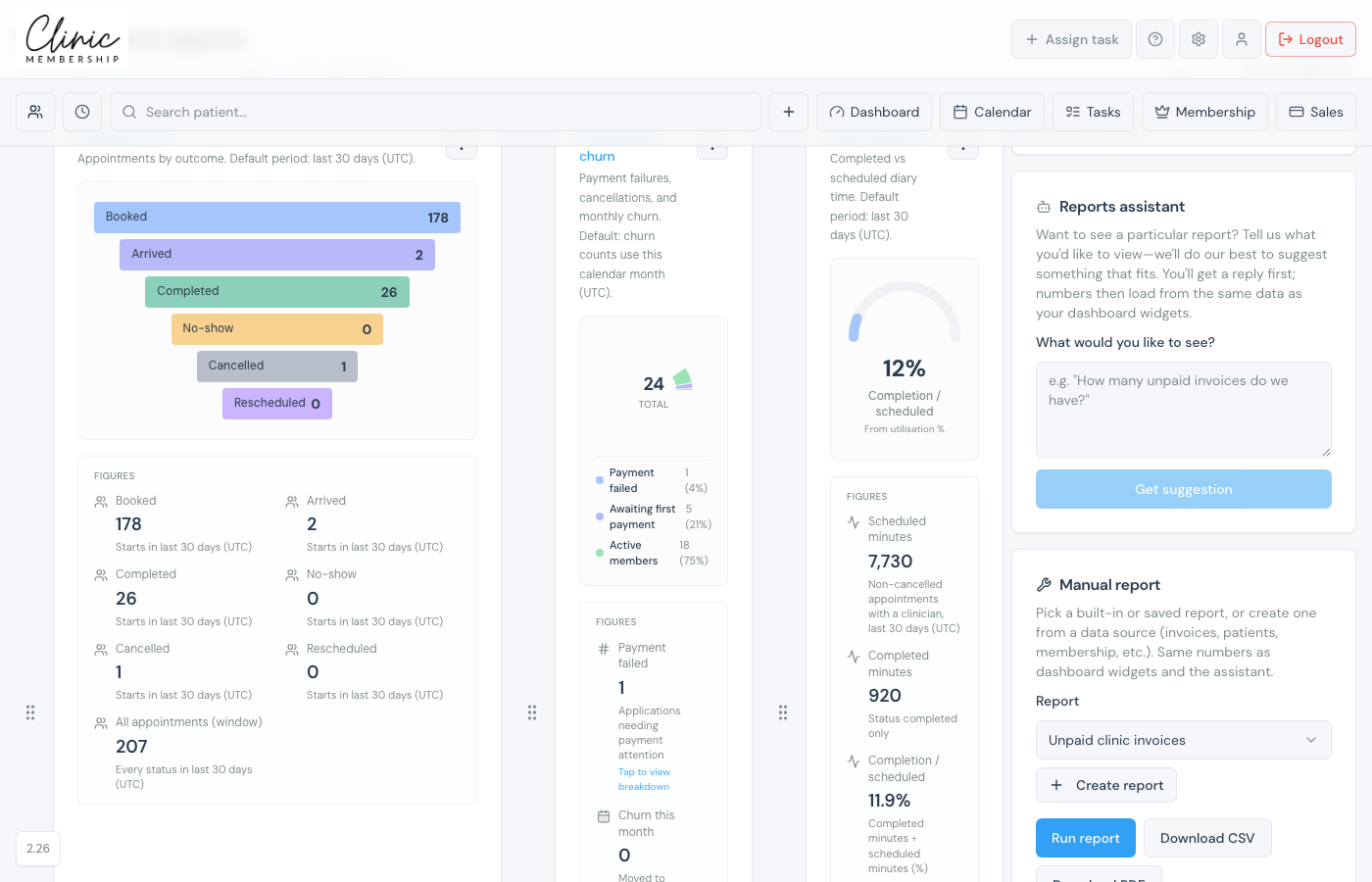
Dashboard & reports brings together membership metrics, POS sales, unpaid invoices, patient activity, and custom report shortcuts. Owners and authorised staff can rearrange tiles and ask the reports assistant for ad-hoc views.
Who can access reports
Admins always have access. For staff logins, switch on Can access Dashboard & reports under Settings → Team when adding or editing a team member.
Open the dashboard
- Click Dashboard & reports from the staff navigation (or go to Admin → Reports).
- Review widgets such as membership pulse, pipeline, POS sales, and unpaid invoices.
- On desktop, drag tiles to reorder your layout.
- Use the reports assistant to describe what you want to see, or open manual report shortcuts from the sidebar.
Note
Membership-specific charts also appear on the Membership dashboard (Admin → Membership). Use both for day-to-day ops vs owner overview.
