


Four built-in reports under Sales & POS cover stock levels and movement. Open Dashboard & reports, use Manual report on the right, pick a stock report, then Run report (or download CSV / PDF).
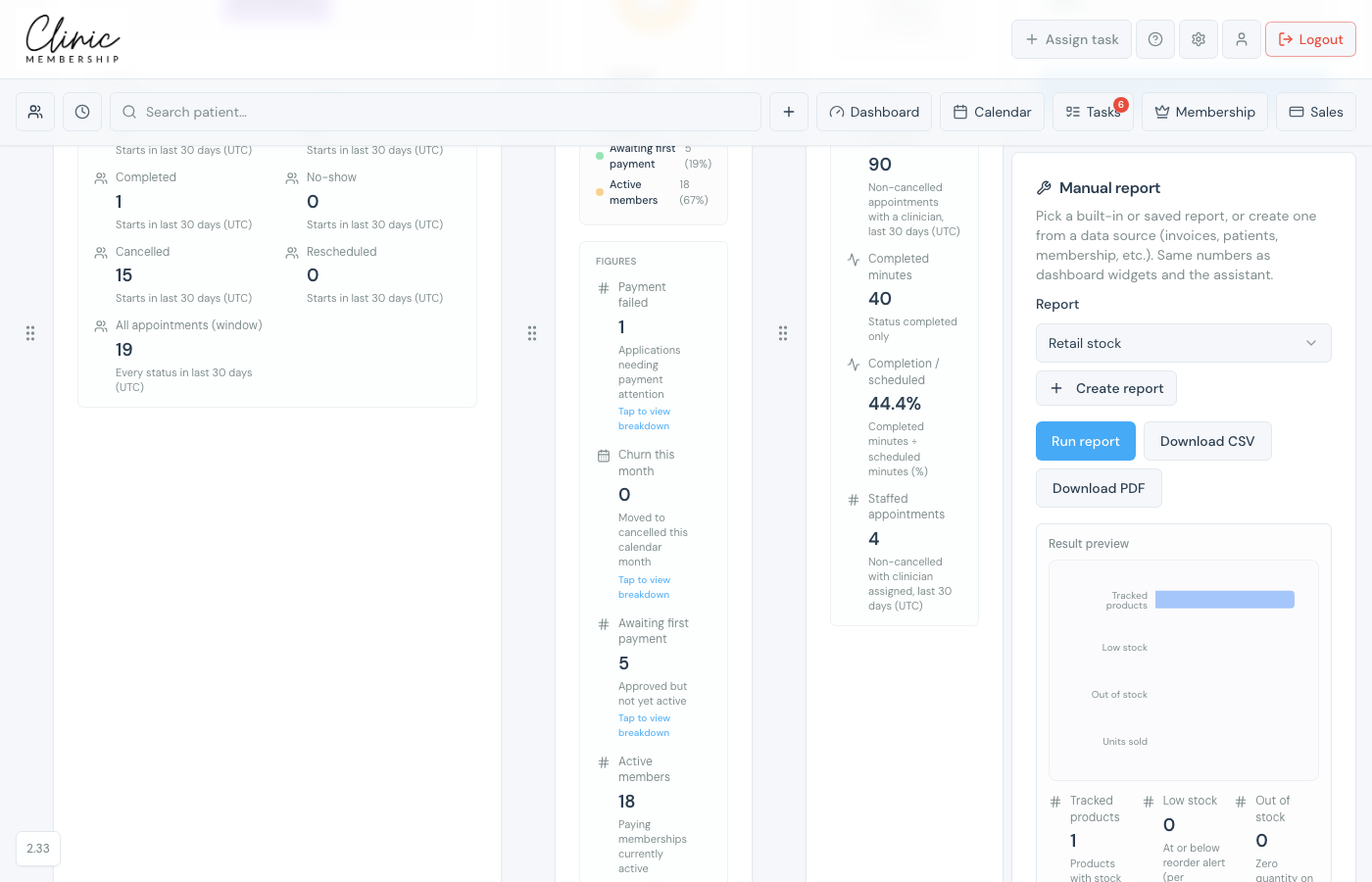
Stock level reports
- Retail stock, tracked products, low stock, out of stock, and recent units sold.
- Professional stock, tracked / low / out from Documenti. If you have more than one mapped location, low and out are counted per site.
Stock movement reports
- Retail stock movement, units sold, slow movers, idle units and retail value, units received or adjusted (about the last 90 days).
- Professional stock movement, units used or adjusted that Clinic Membership logged, plus slow movers and idle stock.
Note
Professional stock movement only includes changes recorded through Clinic Membership (for example stock take or adjust on the Professional stock tab). It is not a full list of every clinical deduct inside Documenti.
