


Resources are shared things your clinic books against: a treatment room, laser device, or other equipment. They are separate from retail products in Sales and from professional stock in Documenti.
Add a resource
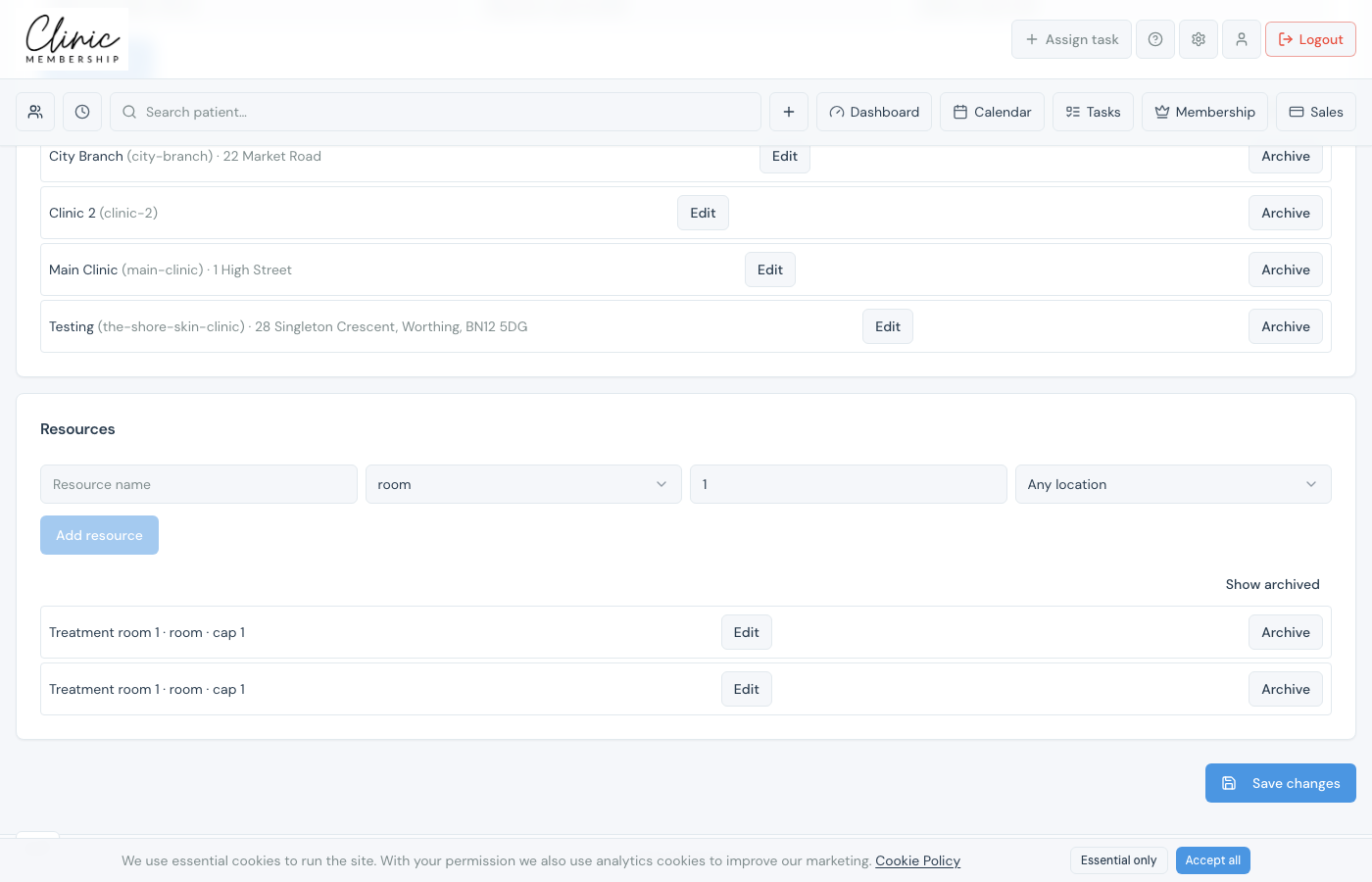
- Go to Settings → Calendar.
- Scroll to Resources.
- Enter a name (for example Treatment room 1 or Candela laser).
- Choose Type: room, device, or shared_resource.
- Set Capacity (usually 1).
- If you use multiple locations, pick which site this resource belongs to, or leave Any location.
- Click Add resource, then Save settings at the bottom of the page.
Note
Set up your clinic locations first if you want each resource tied to a specific site. See Set up clinic locations.
