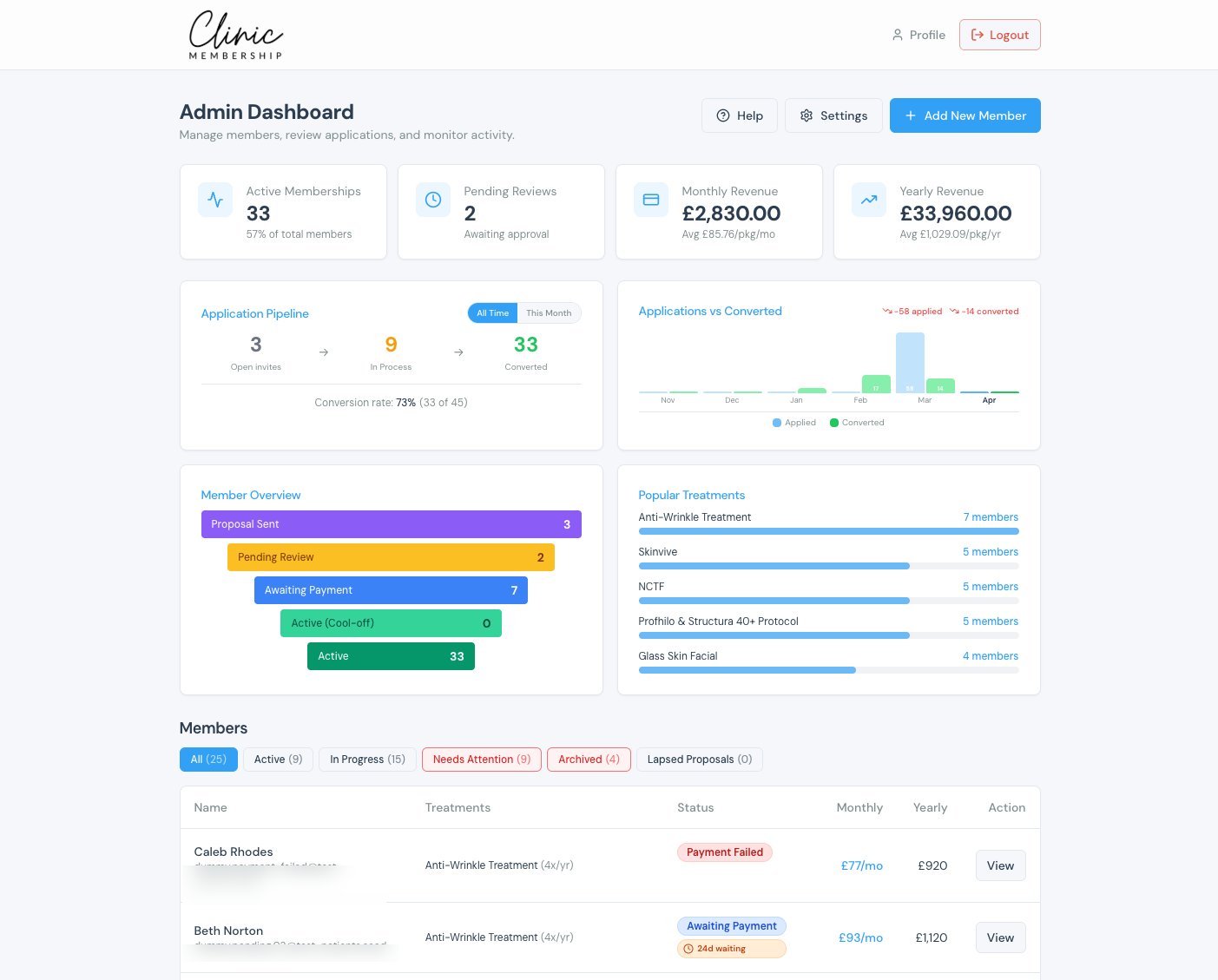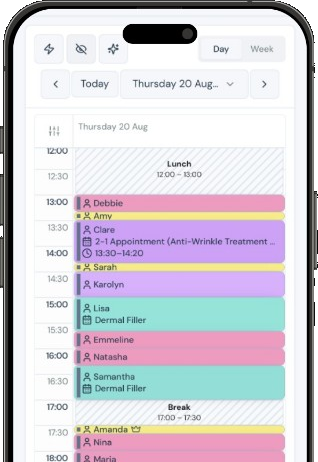


Clinic Membership gives every member a simple way to see the treatments they still have this year and plan when to use them, through the membership treatment planner in your clinic portal. It sounds like a small thing, but it solves a familiar problem. Members join, enjoy their first few visits, then life gets busy. Treatments sit unused, the member forgets what is left, and reception has no quick way to see the whole plan in one place. By the time anyone notices, the membership year is nearly over and the member thinks they have missed out.
This guide explains how the treatment planner works in Clinic Membership, what members see in the portal, what your team sees on the patient card, and a few easy habits that help members use what they have joined for.
How the treatment planner works in Clinic Membership
The treatment planner connects two views of the same information. Members see their remaining treatments in the patient portal and can plan visits for them. Staff see the same remaining counts on the patient card, so everyone is looking at one shared picture rather than guessing.
There are three parts to it:
- The member view. A list of treatments included this membership year, with what is still available to book.
- Plan available treatments. A guided way for the member to choose times for the treatments they have left and book them together.
- The staff view. Used, Booked and Left counts on the patient card, so reception can answer questions in seconds.
Because both views read from the same membership, a booking made in the portal shows up straight away on the patient card, and a visit booked at the desk is reflected for the member too.
What members see in the Clinic Membership portal
When a member signs in to the patient portal, they open Your treatments this membership year. This shows each treatment included in their membership and how many they still have to use.
From there they click Plan available treatments. The planner shows times that work for the treatments still available. The member ticks the times they want and clicks Book selected. Each booking counts against their remaining allowance, so the list updates and they can see exactly what is left afterwards.
For the member, this removes the effort of working it out. They do not need to remember how many visits they have had, call the clinic to ask, or book each treatment one at a time. They can sit down for a couple of minutes, plan the rest of their year and get on with their day.
Some members may also see a Time to book your next visit banner, with Book now or Book next on individual treatments. It is a gentle prompt that appears in the portal, so the reminder sits right next to the button that solves it.
What reception sees on the patient card in Clinic Membership
For your team, the same information lives on the patient card. Open the member's card, go to Membership, then This membership year. For each treatment you will see three numbers:
- Used: treatments already completed this membership year.
- Booked: treatments with an appointment in the diary.
- Left: treatments still available to plan.
These counts work alongside the usage badges you may already know. If you want the background on how usage is tracked, our post on how Clinic Membership tracks treatment package usage covers it.
With Used, Booked and Left in front of them, reception can answer the most common member question, "What have I got left?", without digging through old appointments. They can then either ask the member to use Plan available treatments in the portal, or book the next visit for them on the calendar while they are still at the desk.
Why remaining treatments matter in Clinic Membership
Unused treatments are easy to overlook, but they shape how a member sees their membership. A member who uses what they joined for tends to see the value clearly. A member who reaches the end of the year with treatments untouched is more likely to wonder whether the membership suits them.
The planner helps in a few practical ways:
- Members stay in control. They can see their own plan and book when it suits them, without waiting for the clinic to call.
- Reception has one place to look. Used, Booked and Left sit together on the patient card, so there is no guesswork at the desk.
- Diaries fill more evenly. When members plan several visits at once, you can see upcoming demand earlier.
- Conversations are easier. "You have two left this year, shall we plan them now?" is a friendly, helpful question rather than a sales pitch.
The planner is about remaining allowance within a membership. If you also run courses that need regular spacing between sessions, that is handled separately by course booking in Clinic Membership.
Getting the most from the treatment planner in Clinic Membership
A few simple habits help members use the planner and help your team support them.
- Mention it at sign up. When someone joins, show them where Your treatments this membership year lives in the portal.
- Check the patient card at check out. A quick look at Left lets reception suggest planning the next visit before the member leaves.
- Offer to book at the desk. Some members prefer to be booked in person. Use the calendar while they are with you.
- Point quieter members to the portal. If a member has treatments left and no upcoming bookings, a friendly note asking them to use Plan available treatments often does the job.
- Keep included treatments clear. The planner is easiest to use when each membership lists its treatments in plain, familiar names.
The full step-by-step guide is in our Help article on the membership treatment planner.
Plan what is left with Clinic Membership
Members join for the treatments, so helping them use those treatments is one of the kindest things a clinic can do. The treatment planner in Clinic Membership lets members see what is left and book it in a few clicks, while your team sees the same Used, Booked and Left counts on the patient card. One shared picture, fewer missed visits and calmer conversations at the desk.
Clinic Membership brings your patients, calendar and memberships together in one place. Clinic Membership is not an EMR. Clinical records live in Documenti, the EMR that works alongside it. Free covers up to 10 patient records. See pricing for paid plans.