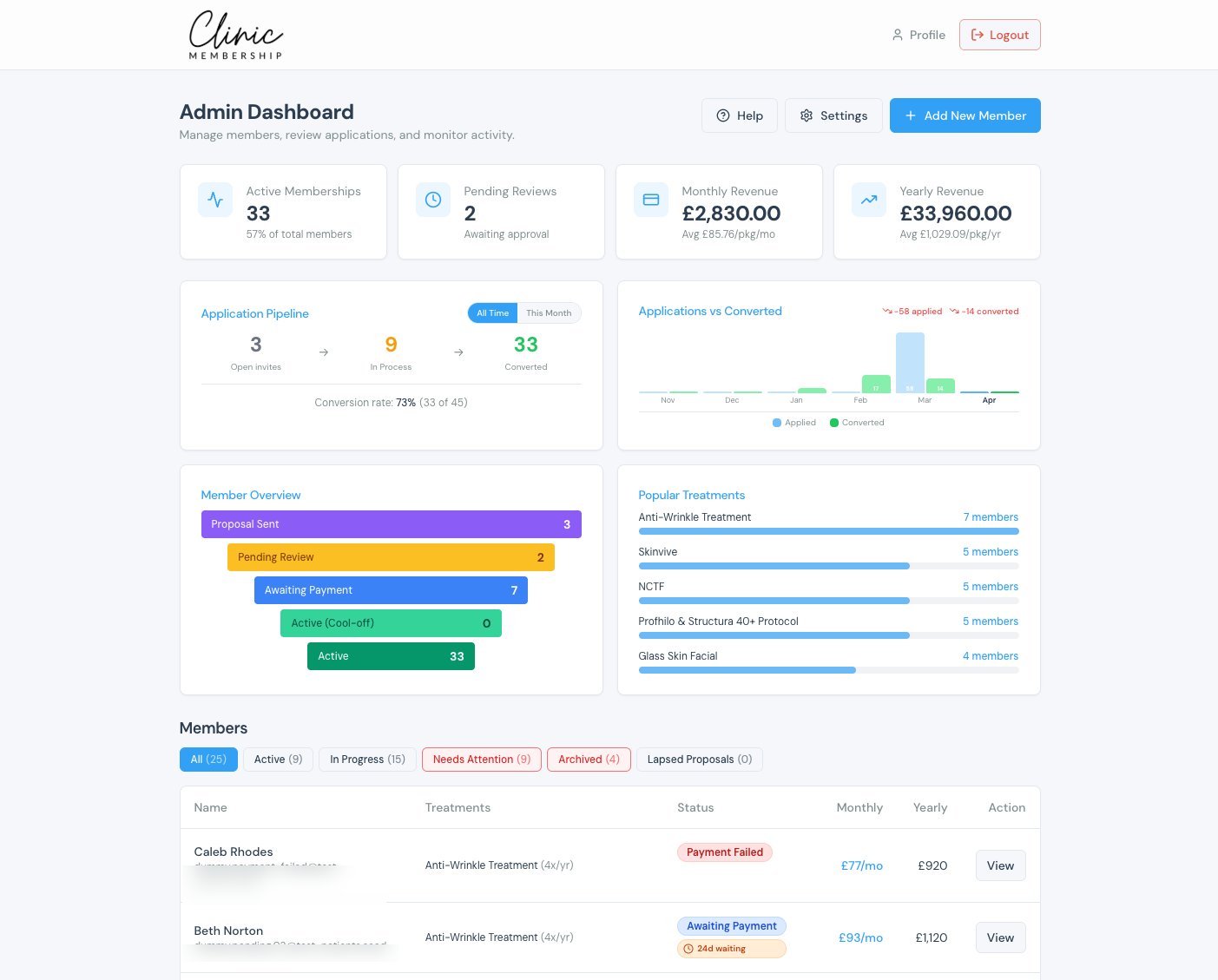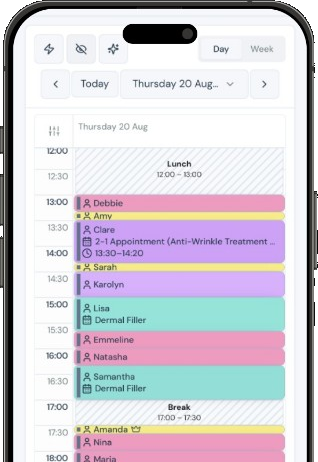


Clinic Membership blocks UK bank holidays for your region on its own and keeps everyone's leave, training days and closures in the same place as their working hours. If you have been looking for a staff holiday planner that UK aesthetic clinic teams can actually rely on, the real test is simple: when someone is away, can a patient still end up in their calendar?
In plenty of clinics, the answer is yes, by accident. Leave is agreed in a conversation, written on a wall planner, or mentioned in a team message, but nobody blocks the calendar. Then a bank holiday arrives and the clinic is closed, yet a patient is sitting in the calendar that morning. Or a clinician comes back from a week away to find appointments sitting in the middle of it, each one now needing a phone call and an apology.
None of that is anyone's fault. Time off simply lived somewhere the calendar could not see.
How time off works in Clinic Membership
In Clinic Membership, time off sits right next to staff rotas, under Settings, then Team, in the Staff time-off section. The two do different jobs. The rota describes a typical week. Time off then closes particular days on top of it, so the calendar respects leave, training and closures without you rewriting anyone's usual week.
The practical result is the one that matters to reception: when a clinician is away, patients cannot book them. If you have not set up regular hours yet, start with how Clinic Membership handles staff rotas, then come back to time off.
Upcoming leave is listed first, with the nearest date at the top, and anything in the past moves down under Past time off. You can see what is coming without scrolling through history.
Bank holidays that block themselves in Clinic Membership
Bank holidays are the time off everyone forgets to enter, because they feel too obvious to need it. In Clinic Membership, you do not enter them by hand at all.
Turn on Automatically block bank holidays in the Staff time-off section, and Clinic Membership uses the official GOV.UK bank holiday list to block those days for every bookable clinician. You can then expand the Bank holidays list to check the blocks it has created for each person.
That one switch takes a recurring job off the owner's list. Nobody has to remember to block the next long weekend, and nobody has to check that a new starter has the same days off as everyone else.
Choosing your UK region in Clinic Membership
Bank holidays are not identical across the UK, so Clinic Membership asks which list to follow. You choose your region from England and Wales, Scotland or Northern Ireland, then save your settings.
Picking the right region means the calendar closes on the days your clinic actually observes, rather than a generic set. If your clinic is in Edinburgh, the blocks follow the Scottish list. If you are in Belfast, they follow the Northern Ireland list.
The exact dates themselves come from that official list, so you do not need to look them up or type them in.
When someone works a bank holiday in Clinic Membership
Some clinics open on a bank holiday, or have one clinician who prefers to work it in exchange for a different day off. That is easy to handle, because the bank holiday blocks are created separately for each clinician.
If one person is working, delete that single generated block for them. Everyone else on the team stays blocked as normal. There is no need to switch the whole feature off or rebuild anything for the rest of the team.
Leave, training and closures in Clinic Membership
Bank holidays cover the days the whole country shares. Everything else goes in as manual time off: annual leave, a training course, a sick day, or a one-off clinic closure on what would normally be a working day.
You pick the clinician and the dates, then add the time off from that section. It can cover whole days, or just part of a day if someone is only out for the afternoon. Turn on Annual leave when the time off is holiday. A reason is optional, for your own notes. A bank holiday or an ordinary day off is not annual leave.
The full step-by-step guide is in our Help Centre article, Book staff time off.
If you prefer, you can also manage someone's time off from their own team member panel, and for a quick one-off block straight from the calendar there is Mark busy.
Time off at one site or all of them in Clinic Membership
If your clinic runs from more than one location, time off can be as broad or as narrow as you need. Choose Any location to block someone at every site, or choose a single site if they are only away from that one.
That is useful when a clinician splits their week between locations and only needs to be unavailable at one of them. We cover running more than one site in more depth in multi-site clinic software.
Making time off routine in Clinic Membership
Time off only protects the calendar if it goes in when it is agreed, not the week before. A few habits help:
- Switch on bank holiday blocking today and choose your region, then check the list for each clinician.
- Enter leave the moment it is agreed. If it is approved in a conversation, it goes into Clinic Membership straight after.
- Use a reason for each entry so reception knows the difference between training and leave at a glance.
- Remove a generated bank holiday block for anyone who has agreed to work it.
- Review upcoming leave at your weekly team catch-up, starting from the top of the list.
- Decide who can manage time off. Staff logins and access levels let you choose who on the team can change settings, which we cover in staff logins and access levels.
The aim is a calendar that is right without anyone having to remember. Bank holidays block themselves, and leave goes in once.
Clinic Membership brings your team, calendar, patients, sales and payments together in one place, with time off sitting right next to the hours it changes. Free covers up to 10 patient records. See pricing for paid plans.